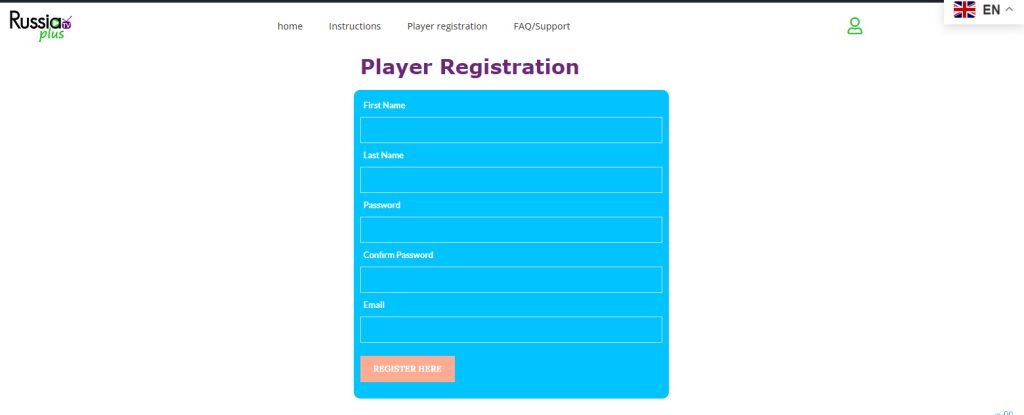
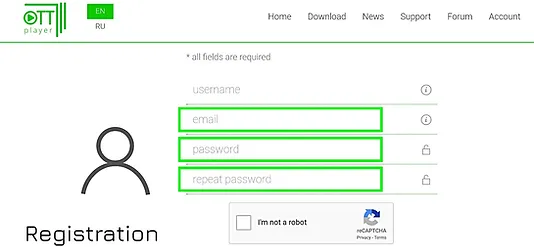
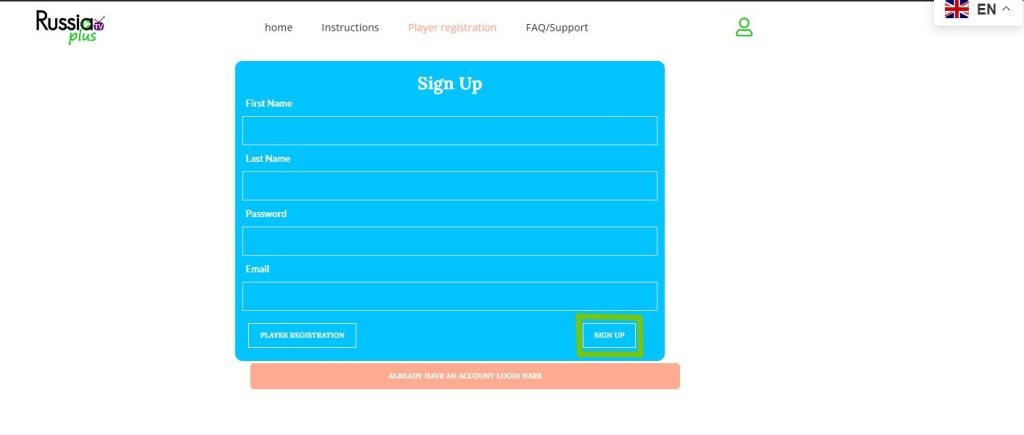
To start, register media player on our website in the “Player Registration” section.
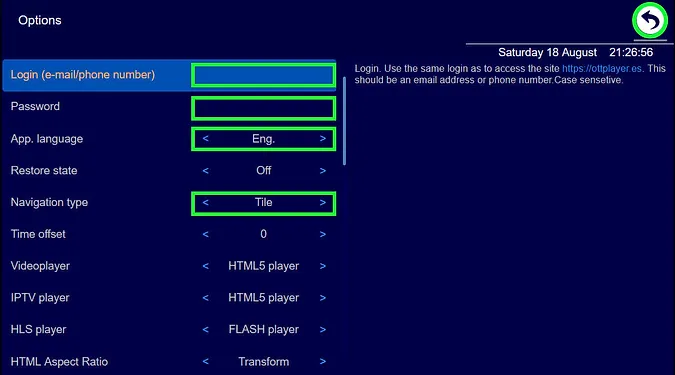
The Password field can only consist of letters, numbers, dashes, and underscores.
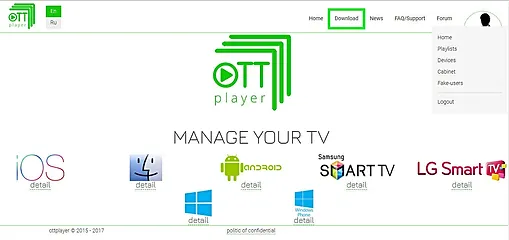
After registration we will provide a link where you can download the player for your device.
The “e-mail” and “password” fields must match your registered data on our website.
After you install the player in your device, we will connect your package of TV channels plus an Archive and Filmoteka. You can do it by yourself, see how to FAQ / Support.
To purchase a playlist push the button "Buy playlist" or go to your "Personal Login Account" on our website.
Here you can renew your subscription and track the history of your payments.
Fill out the form for your Personal Account and click the “SIGN UP” button.
Step-by-step instructions on "Samsung Smart TV".
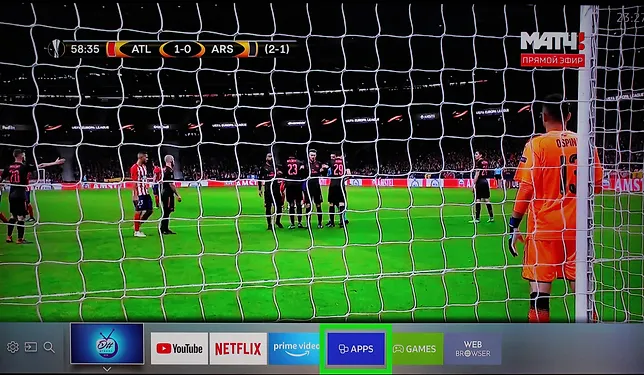
On the TV remote, press the “Home”.
Then select and click on the “APPS”.
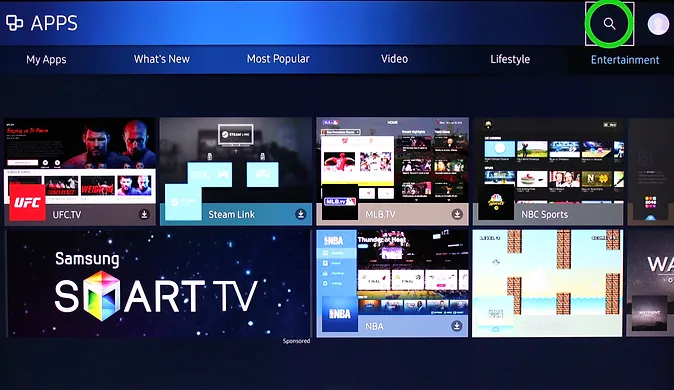
Click on “Search” icon.
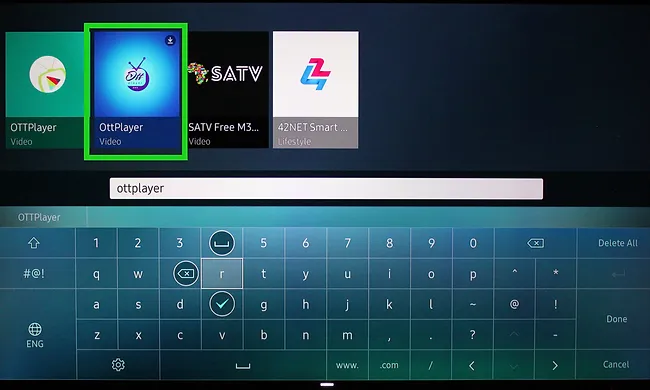
Type “ottplayer”. To appear several players with the same name, we need a purple logo on a blue background. Install.
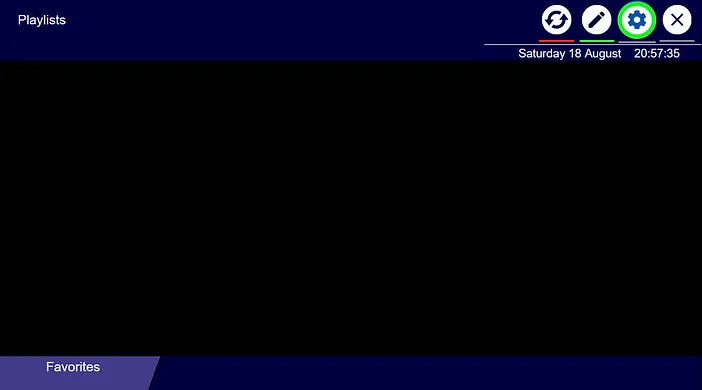
Go to the player settings by clicking on a “gear”.
Enter the registered ottplayer e-mail and ottplayer password.
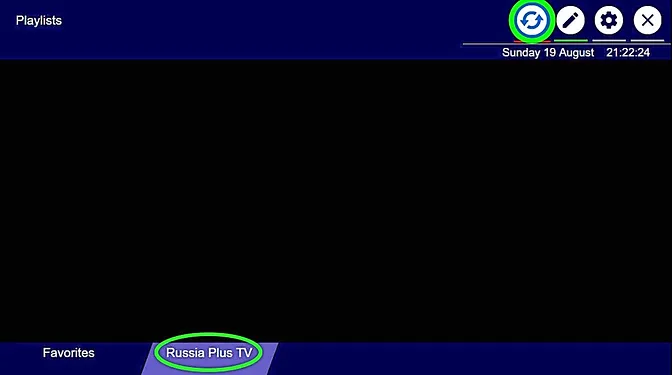
Перезагрузите плеер. Зайдите на Russia Plus TV.
Приятного Просмотра!
Видео-инструкция как подключить Russia Plus TV на компьютере.
Видео-инструкция как установить Ottplayer с помощью Media Station X.