

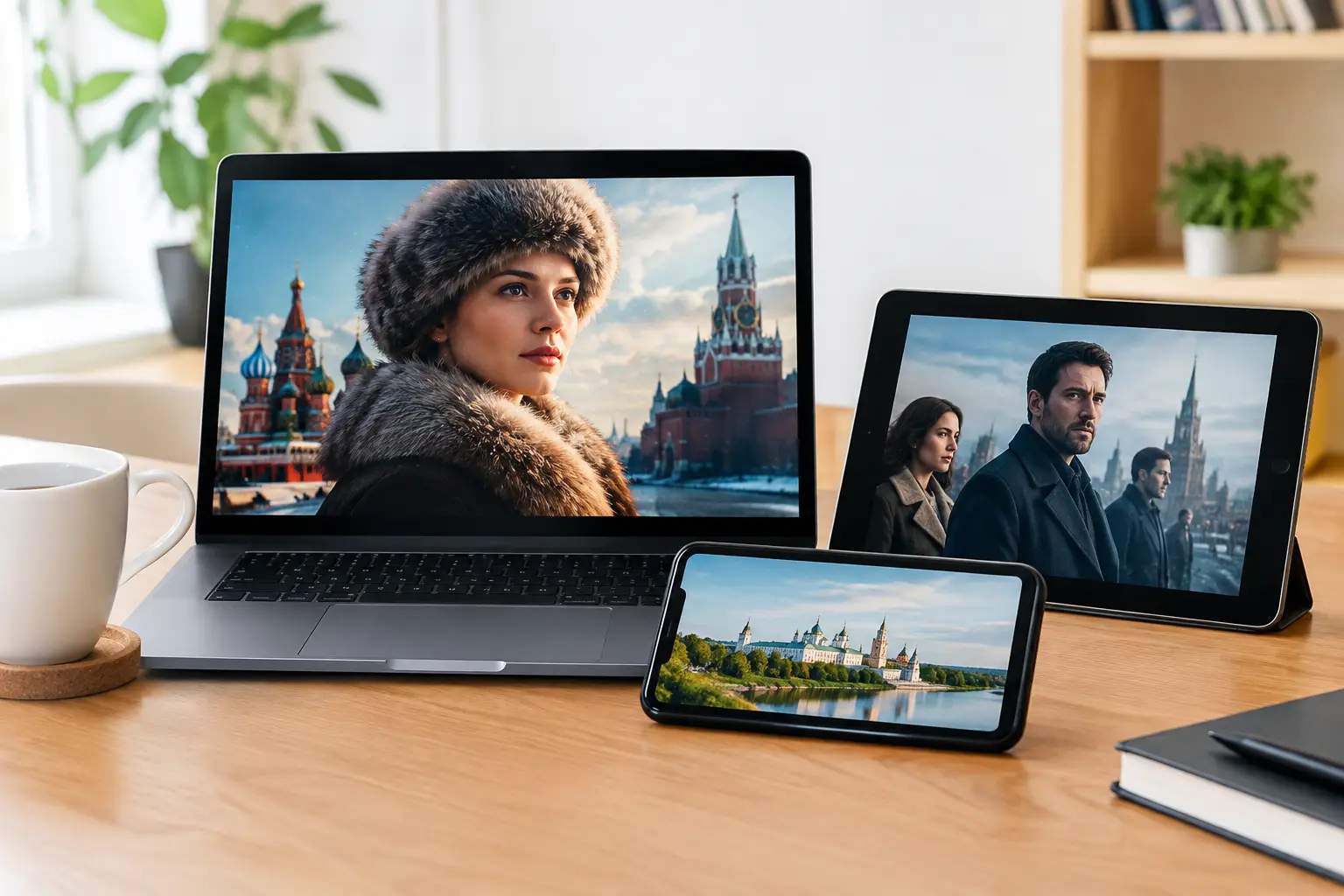
A missed episode should not mean waiting for a rerun or searching through several apps. Russian series library access gives Russian-speaking households a practical way to watch familiar dramas, comedies, detective stories, historical programs, and family shows on the schedule that works for them.
For viewers living in the United States and abroad, this matters for more than entertainment. A favorite series keeps Russian language, humor, recognizable actors, and everyday cultural connection close to home. The best setup combines on-demand series with live television and channel archives, so the household has more than one way to find something worth watching.
What Russian Series Library Access Should Include
A useful series library is not simply a long row of titles. It should make viewing flexible for real households with different schedules, devices, and tastes. One person may want to continue a drama after work, while another wants a light comedy on a tablet, and children may be looking for age-appropriate cartoons or family programming.
Look for a service that brings series together with live channels, recorded broadcasts, movies, documentaries, concerts, and sports. That variety matters because most families do not want separate subscriptions for every type of Russian-language entertainment. A single subscription is easier to manage and gives everyone more choices.
Channel archives are especially valuable. If a new episode airs while you are busy, replay availability can help you catch up without having to change your plans. Archive access also makes it easier to revisit a program that was broadcast earlier in the day or week. The exact archive period and available programming can vary by channel, so it is always sensible to check what is included in your subscription.
A strong library also needs clear organization. Series are easier to enjoy when titles are grouped in a way that lets viewers browse by genre, channel, or recently added content. Availability changes over time, as it does with any streaming catalog, but broad programming selection gives viewers more reliable choices when one particular title is not available.
Watch Russian Series on the Devices You Already Use
Convenience begins with device compatibility. Russian series library access is most useful when it fits naturally into the equipment already in your home. For many viewers, the main screen is a Smart TV or TV box in the living room. Others prefer a phone during a commute, a tablet in the kitchen, or a computer at a desk.
With Russia Plus TV, subscribers can watch through Smart TVs, set-top boxes, smartphones, tablets, and computers. The service also works with dedicated mobile apps and compatible m3u8 players, including VLC, OTT Navigator, and Televizo. This flexibility is helpful when family members use different devices or when you want to move from one screen to another without changing services.
Smart TVs and TV Boxes
A television setup is often the simplest choice for shared viewing. Install the supported app or configure a compatible player, sign in with your subscription details, and open the playlist or channel interface. A stable home internet connection is the main requirement for consistent playback, particularly for HD, Full HD, 4K, and 3D content.
If your TV does not support the app you prefer, a set-top box can be a practical alternative. It can add streaming capability to an existing television and may offer a more familiar remote-control experience. The right option depends on your model of TV and how you prefer to navigate content.
Phones, Tablets, and Computers
Mobile viewing helps when the main TV is in use or when you want entertainment away from the living room. On a phone or tablet, a dedicated app or compatible player can make it easy to open the service, browse programming, and continue watching. On a computer, viewers can use a supported method that suits their setup and screen size.
For the best experience, use Wi-Fi when available, especially for higher-quality streams. Mobile data can work, but it may use a significant amount of data depending on picture quality and viewing time. If you are traveling, check your connection before starting a longer episode.
A Simple Path From Subscription to Viewing
New subscribers do not need complicated technical knowledge to begin. The process is straightforward: choose a subscription, receive your access details or playlist information, then use the supported app, device, or compatible player that fits your household.
Start by deciding where you will watch most often. If the living room TV is your priority, set that up first. Once it is working, add the service to a phone, tablet, or computer for personal viewing. Keeping your login details available and following the setup instructions for your device can prevent unnecessary delays.
If you use an m3u8-compatible player, enter the playlist information carefully as provided. Small typing errors can cause access problems, so copy and paste details when possible. If a channel or library item does not load as expected, first check your internet connection, restart the app or player, and confirm that your subscription information is current. Support resources can help when basic troubleshooting does not solve the issue.
Choosing the Right Viewing Setup for Your Family
The best choice depends on how your household watches. A family that gathers for evening television may place the most value on a Smart TV or TV box. A household with different work and school schedules may benefit more from having access across several devices. For viewers who regularly miss live broadcasts, channels with replay and archive options can be more valuable than a live-only lineup.
Content preferences matter too. A large catalog supports different generations under one roof. Adults can follow long-running series or news-related programming, while younger viewers can choose cartoons and entertainment designed for them. Having live channels and recorded content side by side reduces the common problem of spending more time searching than watching.
It is also worth thinking about picture quality. HD is a strong everyday choice for many screens and connections. Full HD and 4K can look excellent on larger televisions, but they benefit from faster, more stable internet. If your connection is limited, a lower stream quality may provide smoother playback. The best setting is the one that plays reliably on your device.
Make Your Library Easier to Use Every Day
A few small habits can improve the experience. Keep the app or player updated, organize your preferred channels when your device allows it, and test your setup before a weekend or a planned family viewing night. If multiple people share access, show each person how to find the series library, live programming, and archive features without changing important account settings.
Treat the library as a flexible part of your home entertainment, not a schedule you have to follow. Watch live when you want the immediacy of a broadcast, use archives when the day gets busy, and choose on-demand series when you are ready for the next episode. That freedom is what makes Russian-language television feel accessible wherever life takes you.