

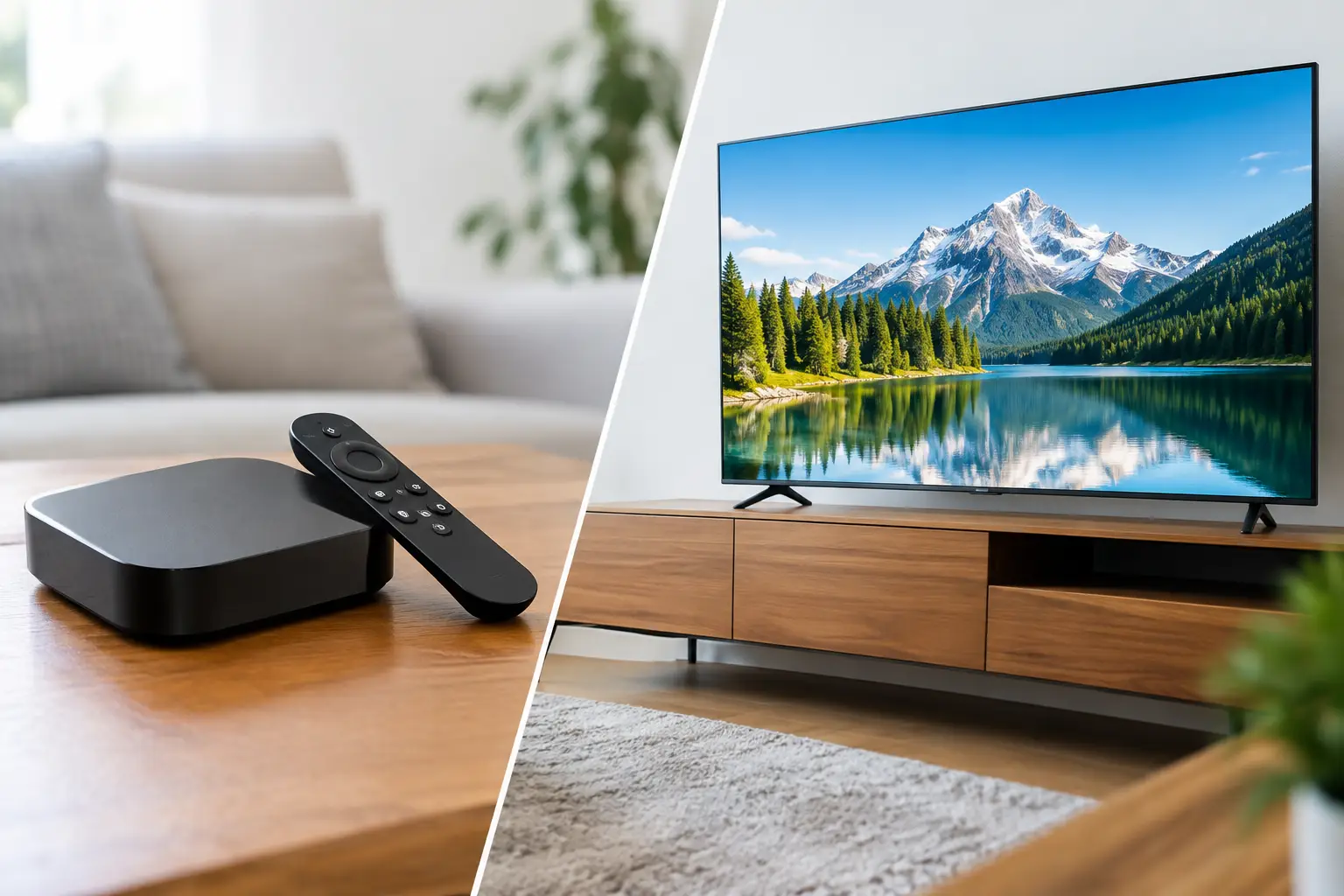
Your television may have a bright picture and a familiar streaming menu, yet it can still be the weak point in your home viewing setup. When choosing an Android box versus smart TV for IPTV, the real question is not which device looks better in a store. It is which one gives your household reliable access to the channels, apps, archives, and on-demand programs you want to watch.
For Russian-speaking families in the US, that often means finding a simple way to enjoy live Russian-language TV, movies, children’s programming, news, sports, and replay content on the biggest screen in the house. Both options can work well. The better choice depends on the TV you own, how long you plan to keep it, and how much flexibility you want.
Android Box Versus Smart TV: The Main Difference
A smart TV has streaming software built into the television. You connect it to Wi-Fi or Ethernet, install supported apps, sign in, and watch. Popular smart TV systems include Android TV or Google TV, Samsung Tizen, LG webOS, Roku TV, and Fire TV.
An Android box is a separate small device that connects to a TV through an HDMI port. It runs an Android-based operating system and turns almost any modern television into a streaming device. The TV handles the picture; the box handles the apps, menus, and video playback.
This difference matters because the software inside a TV is often less flexible than the screen itself. A television can remain in excellent condition for many years, while its app platform may become slow, unsupported, or limited much sooner. With an Android box, you can replace or upgrade the streaming device without replacing the TV.
When a Smart TV Is the Better Choice
A smart TV is a practical option when your current television is recent, performs well, and supports the IPTV app or player you prefer. It keeps the setup clean: no extra device on the shelf, no second power cable, and usually one remote for basic viewing.
For viewers who want a straightforward routine, built-in TV apps can be enough. Turn on the television, open the app, choose a channel, and watch. This is especially convenient in a bedroom, kitchen, or guest room where you do not need advanced settings.
Smart TVs also make sense if you already use a platform you like. A newer Android TV, Google TV, Fire TV, or compatible LG or Samsung model may offer a good range of streaming applications and a familiar interface. If the available app supports your playlist format, channel guide, and playback needs, there may be no reason to add another device.
The trade-off is that not every smart TV platform supports the same apps. A player available on Android may not be available on webOS or Tizen. Some built-in platforms offer fewer customization options, and older TVs can become noticeably slower when opening channels, browsing a program guide, or loading a large movie library.
Smart TV limitations to consider
Smart TV software updates are controlled by the manufacturer. After several years, a brand may stop adding features or updating apps for a particular model. An app can change, disappear from the store, or require a newer TV operating system.
Storage and processing power can also be limited. This may not affect casual viewing, but it can matter if you use a detailed IPTV guide, channel archives, subtitles, multiple playlists, or high-resolution streams. If menus lag or channels take too long to start, the screen is not necessarily the problem. The built-in smart platform may simply be reaching its limit.
Why an Android Box Offers More Flexibility
An Android box is often the better choice for households that want more control over how they watch. It gives you access to Android-compatible IPTV apps and players, including popular options such as OTT Navigator and Televizo. Depending on your setup, you may also use an m3u8 playlist in another compatible player.
That flexibility is useful when different family members have different viewing habits. One person may want live news, another may prefer cartoons, and someone else may use channel archives to watch a program after work. A capable Android box can make browsing and switching among these options faster and more comfortable.
It is also a practical answer for an older television with a good display but outdated built-in software. As long as the TV has an HDMI input, an Android box can provide a modern streaming interface without the cost of buying a new screen.
A box can be moved from one TV to another, which is helpful if you travel, change rooms, or want to test your service on a different television. It can also be easier to replace if it stops meeting your needs.
What to look for in an Android box
Not all Android boxes provide the same experience. Very low-cost models may use older software, have limited memory, or struggle with high-bitrate HD and 4K streams. A device that looks inexpensive at first can become frustrating if it freezes, loses Wi-Fi connection, or receives no updates.
Choose a box with current Android TV or Google TV software when possible, enough storage for the apps you plan to use, and reliable Wi-Fi. Ethernet support is a valuable feature for stable live TV, especially when several people in the home use the internet at the same time. A remote with voice search can also make daily use easier.
Before buying, check that the device supports the resolution your TV uses. A 4K television does not require a 4K box for every channel, but a capable device can help when you watch 4K content or want a smoother interface.
Picture Quality, Internet Speed, and Reliability
Neither an Android box nor a smart TV automatically improves the source video. Picture quality depends on the channel stream, your internet connection, the device’s video support, and the television’s display settings.
For regular HD viewing, a stable home connection is usually more valuable than a top-tier device. If you experience buffering, test your Wi-Fi signal near the TV. Moving the router, using a wired Ethernet connection, or reducing congestion from other devices can make a meaningful difference.
A wired connection is particularly useful for live sports, concerts, and news broadcasts, where interruptions are more noticeable. If Ethernet is not available, use a modern dual-band Wi-Fi network and place the box or TV where it has a strong signal.
Remember that a newer device cannot fix every playback issue. If the stream itself is limited to HD, it will not become native 4K because your box or TV supports 4K. The goal is dependable playback and a clear picture that matches the content provided.
Setup: Which Is Easier?
A smart TV usually wins on the first day. Its streaming system is already installed, so you only need to connect the television to the internet, download a compatible app if needed, and enter your account details or playlist information.
An Android box adds a few steps: connect HDMI, connect power, select the correct TV input, join your Wi-Fi network, and install your preferred player. Once it is set up, however, the daily routine is just as simple. Many families prefer the box because it keeps all streaming activity in one dedicated device with a familiar Android-style app experience.
For Russia Plus TV subscribers, either route can be suitable when the device supports a compatible player. The service can be used on smart TVs, TV boxes, phones, tablets, and computers, so you can choose the screen that works best in each room rather than forcing everyone into one device type.
Cost and Long-Term Value
If you already own a compatible smart TV, using its built-in apps costs nothing extra. This is the best value when the interface is responsive and has the player you need.
An Android box requires an upfront purchase, but it may save money over time. Instead of replacing an otherwise working television because its software is old, you can update the box. It also gives you more choice if you change IPTV apps or want features your TV platform does not offer.
A practical approach is to start with the smart TV you have. If it supports your preferred app and playback is stable, keep the setup simple. If apps are missing, the TV feels slow, or you want greater control over playlists and viewing options, add a quality Android box.
Your best screen is the one your family can use without frustration. Whether you choose a smart TV or an Android box, a stable connection and a compatible IPTV player will do more for everyday viewing than a complicated setup ever will.













1 comment
[…] the most reliable viewing on a Smart TV or TV box, connect the device to your router with an Ethernet cable. A wired connection is especially helpful […]