
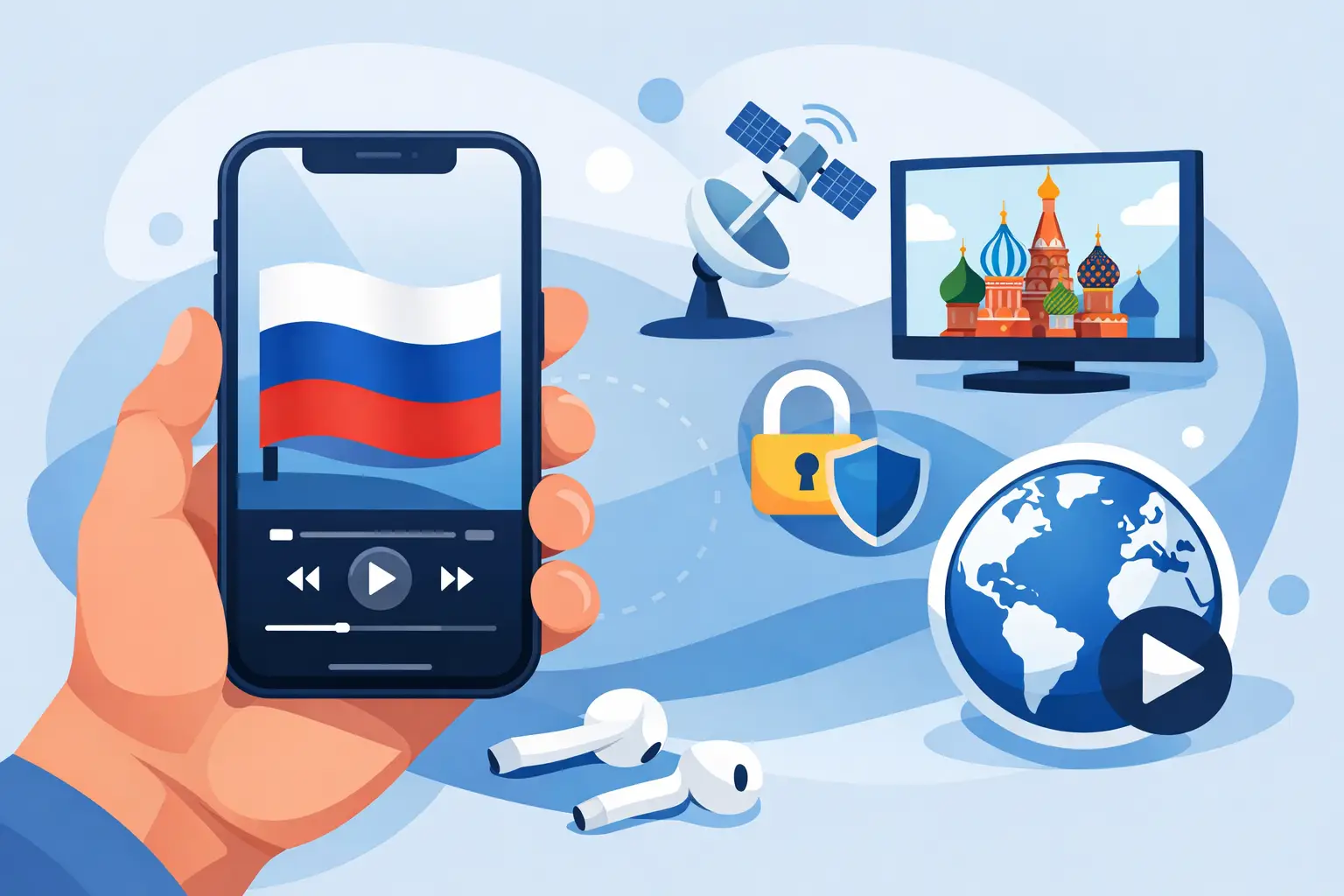
If you want to watch Russian TV on iPhone, the good news is that you do not need a complicated setup or extra hardware. For most viewers, the fastest path is simple: choose a subscription, open it in a compatible app, sign in, and start watching live channels, archived broadcasts, movies, or series right from your phone.
For Russian-speaking families in the US, that convenience matters. You may want live news in Russian in the morning, cartoons for kids in the afternoon, and a movie or series at night without switching devices. An iPhone is often the easiest screen to keep close, whether you are at home, commuting, traveling, or just watching quietly while the TV is busy.
Why people watch Russian TV on iPhone
The iPhone works well for everyday viewing because it is already part of your routine. You do not need to dedicate a separate room or device to watch familiar channels. That makes it useful for households that want flexible access to Russian-language content without changing how they already stream.
It is also practical for time-shifted viewing. Not every live program fits your schedule, especially if you live in a different time zone from the original broadcast. If your service includes channel archives, you can catch up later instead of planning your day around one program. That is a major advantage for viewers in the US who want Russian television on local time.
Another reason is content variety. A strong IPTV subscription can give you much more than a handful of live channels. It can include news, entertainment, films, sports, kids programming, music, documentaries, and replay features in one place. On a phone, that range matters because you want fast access without hunting across multiple apps.
What you need to watch Russian TV on iPhone
The setup is straightforward. First, you need a stable internet connection, either Wi-Fi or mobile data. Live TV can use a meaningful amount of data, especially in HD or Full HD, so Wi-Fi is usually the better choice for longer viewing sessions.
Second, you need an active subscription from a provider that supports mobile viewing. Not every TV service is built for iPhone use, so compatibility matters. Look for a service that supports dedicated mobile apps or works with common playlist-based IPTV players.
Third, you need a viewing method. In most cases, that means either the provider’s app or a third-party player that accepts playlist credentials. For many users, the provider app is easier. For others, especially if they already use IPTV on different devices, a compatible player gives more control over layout, favorites, and playback.
How to watch Russian TV on iPhone step by step
The easiest approach is to start with a subscription that gives you access credentials for mobile viewing. Once you have that, install the recommended iPhone app or a supported IPTV player from the App Store.
After installation, enter your login details or playlist information exactly as provided. If the service supports Xtream-style login, you will usually enter a username, password, and server address. If it uses a playlist file or URL, you will paste that into the player. Once the playlist loads, your channels, categories, and on-demand sections should appear automatically.
From there, you can organize the experience the way you like. Most players let you mark favorite channels, browse by category, continue watching recent content, or search for a movie or series. If the service includes archives, you can often open a channel and look back to earlier programs without leaving the app.
If you want the simplest route, choose a provider that offers clear setup instructions and support. That matters more than many people expect. The difference between a smooth first login and a frustrating one usually comes down to whether the service is built for regular users, not just technical ones.
Best way to watch Russian TV on iPhone without frustration
For most viewers, the best setup is not the one with the most settings. It is the one that opens quickly, plays reliably, and makes it easy to find the channels your family actually watches.
That means a few things matter more than marketing buzzwords. A large channel catalog is valuable, but only if the stream is stable. Archive access is useful, but only if the interface makes it easy to replay programs. Mobile support is important, but only if login and playback are consistent on iPhone.
This is where a service-focused IPTV provider stands out. Russia Plus TV is built around broad Russian-language access, practical device compatibility, and everyday use. That includes thousands of channels, on-demand entertainment, archived content, and support for mobile viewing methods people already use.
App options for iPhone users
There are two common ways to watch on iPhone. The first is through a dedicated app connected to your subscription. This is usually the easiest path for beginners because the setup is guided and the interface is designed around the service.
The second is through a third-party IPTV player. This option can be a better fit if you already use the same subscription on other devices and want a familiar layout across screens. Some viewers also prefer the extra control over sorting, favorites, playback behavior, or parental organization.
There is a trade-off, though. Third-party players can offer flexibility, but they may require more attention during setup. A dedicated app is often simpler, while a playlist-based player can be more customizable. Which one is better depends on whether you value convenience first or control first.
What to look for in a Russian TV service for iPhone
A good iPhone streaming experience starts with content, but it should not end there. Channel selection matters because different households want different things. Some care most about news and talk shows. Others want movies, kids channels, sports, or entertainment programming that feels familiar.
Replay and archive access are just as important. If you are in the US, live Russian programming may air when you are working or asleep. Archive support solves that problem and turns your iPhone into a catch-up device, not just a live TV screen.
You should also pay attention to video quality and stream stability. HD and Full HD are worth having, but only when your provider can deliver them consistently. On a smaller iPhone screen, stable playback is often more important than chasing the highest possible resolution.
Finally, consider device flexibility. Even if you are starting on iPhone, many households want the same subscription to work on a Smart TV, tablet, computer, or set-top box later. A service that supports multiple viewing methods gives you room to expand without changing providers.
Common issues when you watch Russian TV on iPhone
Most problems are simple to fix. If a stream buffers, the first thing to check is your internet connection. Switching from mobile data to Wi-Fi often improves stability. If the app loads slowly or channels do not appear, logging out and back in can refresh the playlist.
Sometimes the issue is not the channel but the player. If one app feels clunky on iPhone, another compatible player may work better. This is one reason many users appreciate services that support more than one viewing method.
Login errors usually come down to copied credentials, expired subscriptions, or an incorrect server entry. It helps to paste details carefully and confirm that your plan is active. Good onboarding instructions and responsive support save time here.
Is watching on iPhone enough for a family?
Often, yes, but it depends on how your household watches. For one person or casual viewing, the iPhone can easily cover live TV, archives, and movies throughout the day. It is especially useful for personal viewing when other screens are busy.
For a family, the iPhone works best as part of a multi-device setup. A parent might watch news on the phone, while kids use a tablet and the main evening program runs on the living room TV. That is why cross-device compatibility is not just a bonus. For many subscribers, it is part of the value.
A good Russian TV subscription should meet you where you are. If today that means watching on your iPhone during lunch breaks or after work, it should be easy. If tomorrow you want the same channels on a bigger screen, that should be just as easy.
The right service makes Russian-language television feel available again, not distant. When setup is simple, content is broad, and playback is reliable, your iPhone becomes more than a phone. It becomes the quickest way to stay connected to the shows, voices, and everyday programs that still feel like home.