

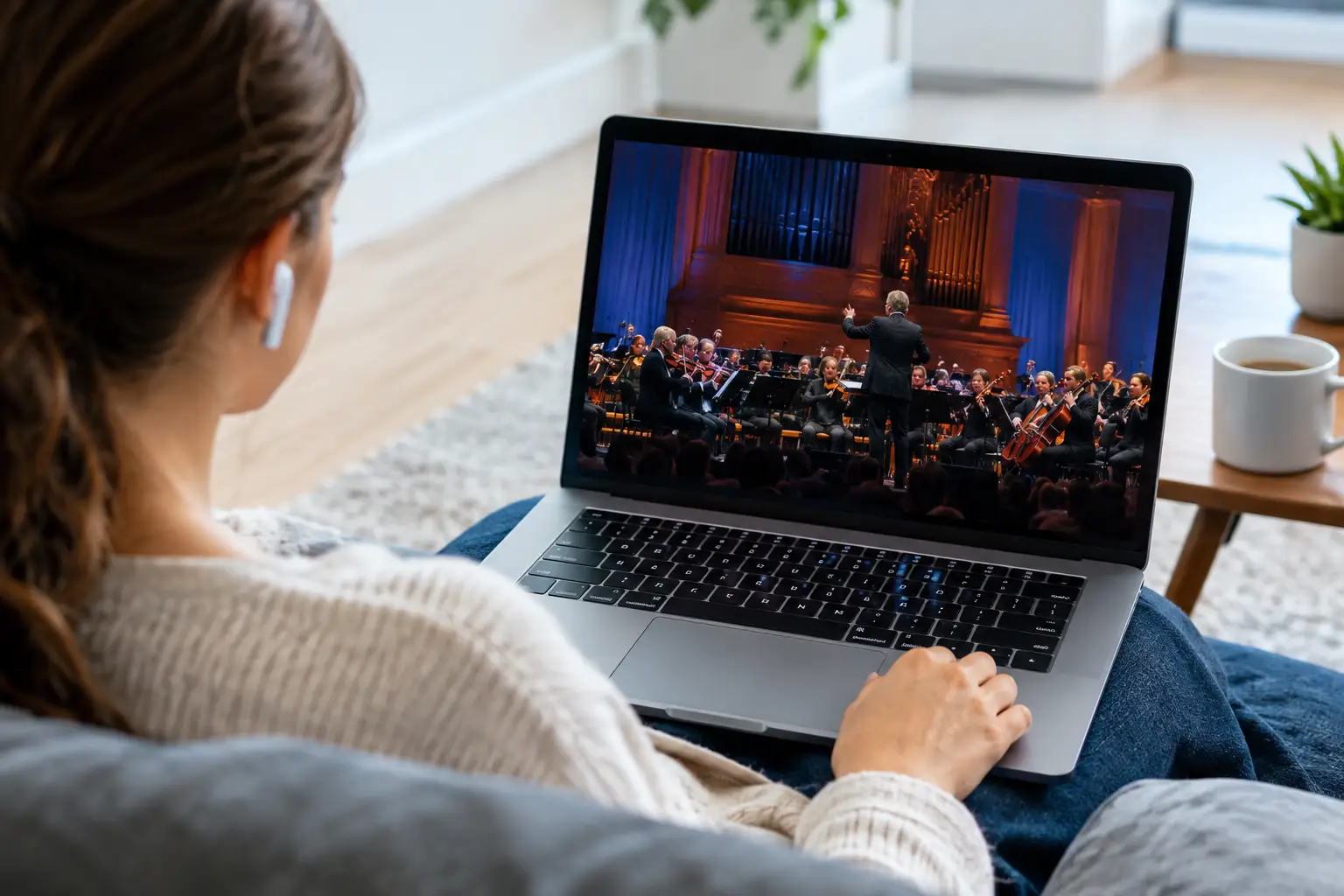
A live concert starts at an inconvenient hour, the broadcaster is unavailable in your region, and a short clip on social media is not the same as watching the full performance. Knowing how to stream Russian concerts gives you a practical way to keep up with favorite artists, major festival broadcasts, holiday specials, and classic performances from wherever you live.
For Russian-speaking households in the United States and abroad, the simplest option is usually a subscription TV service that combines live channels with recorded programming. Instead of searching for a new platform every time an artist performs, you can watch through the devices already in your home and use replay features when the original broadcast time does not work for your schedule.
How to Stream Russian Concerts Legally
Start with a legitimate service that has the rights to distribute the channels or on-demand content it carries. Russian concerts are often broadcast through music, entertainment, and general television channels rather than released as standalone streams. A broad Russian-language IPTV subscription can therefore be more useful than a single artist app, especially if your household also watches movies, series, news, cartoons, or sports.
Look for a service that offers live Russian-language channels, a channel archive, and on-demand entertainment. The live channel is useful for premieres, televised award shows, New Year’s programming, and festival performances. The archive matters just as much for viewers in U.S. time zones, where a Moscow evening broadcast may begin during the workday or late at night.
Availability can vary by event and broadcaster. Some concerts are shown live, some appear later as edited specials, and others may only be available for a limited period. A service with a large channel selection gives you more ways to find performances across music, cultural, and entertainment programming.
Choose the Right Way to Watch
The best setup depends less on technical knowledge and more on where you prefer to watch. For a family concert night, a Smart TV or TV box provides the most comfortable big-screen experience. For one person following a live performance while traveling, a phone or tablet is usually enough. A computer is a practical choice when you want quick access without installing new hardware.
Russia Plus TV is designed for this kind of flexible viewing, with Russian-language live TV and recorded entertainment available across Smart TVs, set-top boxes, smartphones, tablets, and computers. Compatible third-party players can also be used on supported devices, giving subscribers options when they prefer a particular app.
Watching on a Smart TV
A Smart TV is often the easiest choice for concerts because sound quality and screen size make a real difference. Install the compatible app or configure your subscription through the supported player on your TV. Sign in with your account details, then browse live entertainment and music channels or search the archive for a previously aired performance.
If your TV app supports favorites, save the channels that frequently carry music events. This reduces last-minute searching when a concert is about to begin. For the best picture quality, use a stable home internet connection and, when possible, connect the TV by Ethernet rather than relying only on Wi-Fi.
Watching with a TV Box
An Android-based TV box or similar set-top device can be a good solution for older TVs or households that want more app flexibility. Once the box is connected to the television and internet, install a compatible IPTV app, enter the subscription information, and organize channels in a way that is easy for everyone in the family to use.
This option is especially helpful when different family members watch different programs. One person can use the living room TV for a concert while another watches a series or cartoon on a separate device, depending on the subscription and household setup.
Watching on a Phone, Tablet, or Computer
Mobile devices are ideal for live concerts that begin before you get home or when you are away from the main TV. Use the official mobile app where available, or a supported player that accepts your playlist information. On a computer, you can watch through the available app or a compatible media player.
A phone screen is not a replacement for a living room television, but it is excellent for checking a start time, watching the opening set, or catching the replay on a commute. If you want a larger picture, many devices can connect to a television through casting or a cable, depending on the equipment you use.
Set Up Your Internet for a Better Concert Stream
Concert broadcasts can be more demanding than talk shows because fast lighting changes, crowd scenes, and stage effects make compression more noticeable. A dependable internet connection helps maintain a clear picture and steady audio.
For one HD stream, a connection of roughly 10 Mbps is often a reasonable starting point, though actual needs depend on the stream quality and other activity in your home. Full HD and 4K viewing require more bandwidth. If several people are gaming, making video calls, or streaming at the same time, your concert may buffer even when your normal connection seems fast enough.
Before an important event, restart the streaming device if it has been running for days, close unused apps, and check for available updates. If the picture pauses, try moving closer to the router, switching to a wired connection, or reducing the video quality if that setting is available. These small adjustments can solve many common viewing issues.
Use Archives and Replays for Time Zone Differences
A live concert is exciting, but live viewing is not always practical. Russian broadcasts often follow Moscow time, which can place major events at inconvenient hours for viewers in North America. An archive lets you watch after work, on the weekend, or when the family is ready to sit down together.
Replay access also helps when you join late. Rather than waiting for clips to appear online, you may be able to start from the beginning or return to the performance later. Archive duration differs by channel and service, so check the available replay window if there is a specific concert you do not want to miss.
For planned events, check the program guide ahead of time and set a reminder on your phone. Search using the artist’s name in Russian as well as English transliteration when the app includes search. Broadcast listings are often written in Russian, and the original spelling can deliver better results.
Find More Than One Type of Russian Concert
The term “Russian concert” can mean very different programming. A pop performance from a major arena, a classical orchestra broadcast, a folk festival, a TV music competition, and a holiday variety show may air on completely different channels. That is why channel breadth matters.
Browse entertainment channels for current performers and televised specials. Cultural programming may be a better fit for opera, ballet, symphonic music, and theater concerts. General channels often carry major national holiday programs, anniversary tributes, and award ceremonies. A film and entertainment library may also include recorded concert films, clips, and music-focused programs that are easier to watch on demand.
Do not rely only on a channel labeled “music.” Many of the best performances appear as special programming on channels you already watch for series or family entertainment.
Avoid Unreliable Streams
Free, unofficial streams can be tempting when a concert is about to start, but they often come with interruptions, poor picture quality, misleading pop-ups, and sudden shutdowns. They may also disappear midway through an event. For a performance you genuinely want to watch, a reliable subscription is usually the better value than spending an hour looking for a working source.
Use official apps and supported players, keep your account information private, and avoid entering payment details on unknown streaming pages. If you need help with setup, use your provider’s support instructions before the event begins rather than troubleshooting during the opening song.
A good concert stream should feel simple: choose the screen you want, find the channel or replay, and press play. With live Russian TV, archived broadcasts, and a device setup that fits your home, familiar music can remain part of family life no matter how far away the stage is.












