

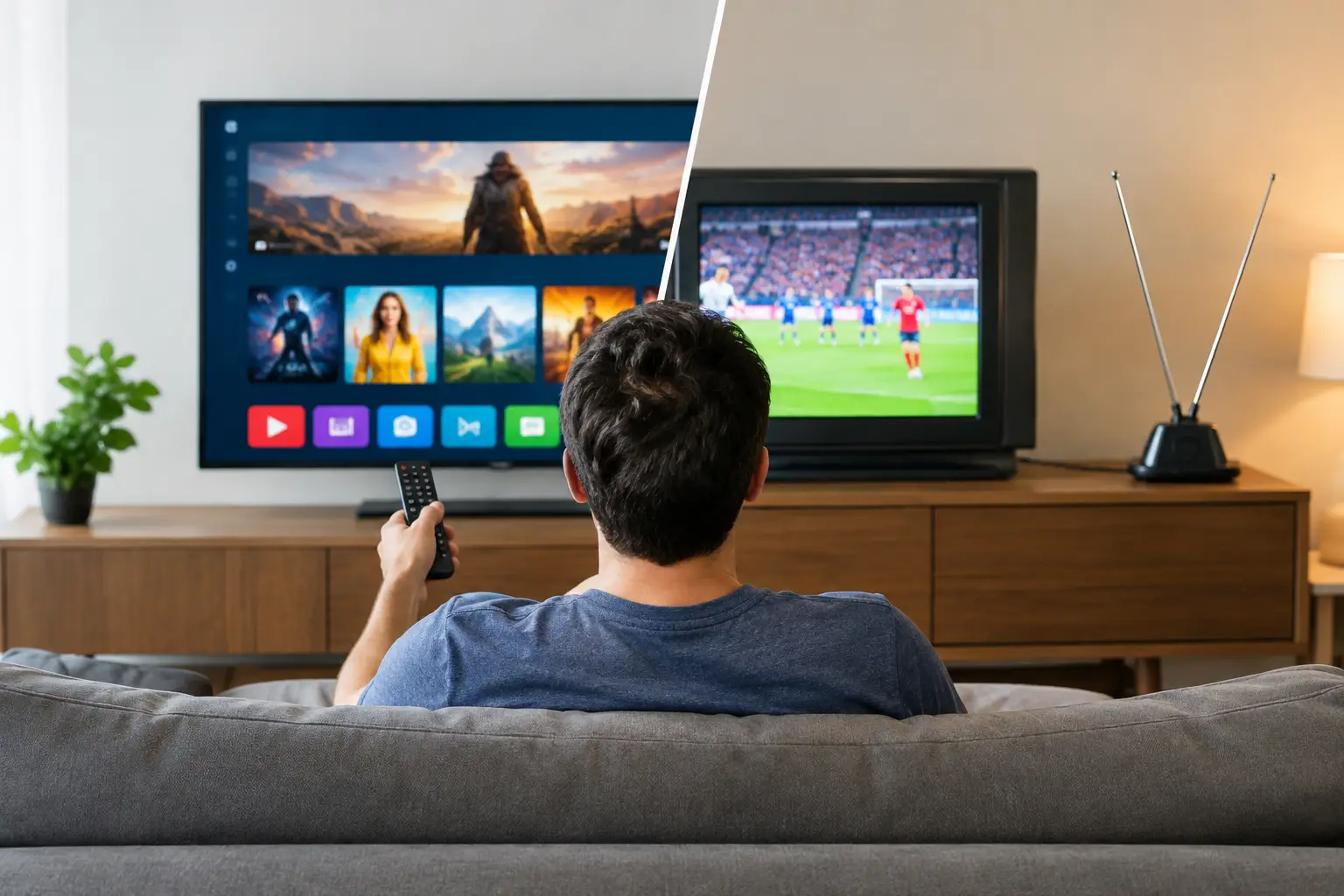
A missed evening news program, a children’s show that aired while the family was out, or a favorite Russian-language channel unavailable through local cable can make television feel unnecessarily limited. When comparing IPTV versus broadcast television, the real question is not simply which technology is newer. It is which option gives your household more of the channels, languages, schedules, and devices you actually use.
For Russian-speaking viewers in the United States, that distinction can be especially meaningful. Traditional local TV is built around local markets. IPTV can be built around the content you want to watch, wherever you live.
What broadcast television delivers
Broadcast television sends programming over the air from local stations to an antenna. In the US, this usually means major network affiliates, local news, weather, sports, and public television channels. If your television has a digital tuner and you can receive a good signal, over-the-air TV can be free after the cost of an antenna.
Its strongest advantage is simplicity. There is no monthly streaming subscription, no app to install, and no home internet connection required for the broadcast signal itself. During an internet outage, an antenna can still provide access to local broadcasts, assuming reception is available.
But broadcast television is tied to geography. The selection depends on where you live, terrain, building construction, and antenna placement. Apartment residents may have limited reception. More importantly for expatriates and multilingual families, local US broadcasts generally do not provide a large selection of Russian, Ukrainian, or regional channels.
Broadcast TV also follows a fixed schedule. If a program airs at 8 p.m., you need to watch it then or record it with separate equipment. Some stations offer their own apps, but the experience and content availability vary widely.
IPTV versus broadcast television: the everyday difference
IPTV delivers television through an internet connection rather than a local over-the-air signal. It can include live channels, channel archives, and on-demand video in one service. Instead of being limited to the stations transmitted near your home, you can access programming offered by your subscription on compatible devices.
For many households, the biggest difference is choice. A broadcast antenna may provide a useful group of local channels. IPTV can provide a much broader catalog of Russian-language entertainment, news, films, children’s programming, documentaries, concerts, series, and sports. This is particularly helpful when different family members want different types of content or watch at different times.
The second difference is flexibility. With IPTV, the television is not necessarily tied to one screen in the living room. Depending on the service and subscription terms, you can watch on a Smart TV, TV box, computer, smartphone, or tablet. That means a parent can watch a live news channel on the TV while another family member catches up on a program later from a mobile device.
The trade-off is clear: IPTV depends on reliable internet. If your home connection slows down or stops, streaming quality can be affected. Broadcast TV does not have that dependency, although it has its own reception limits. For homes with stable broadband, IPTV usually offers more viewing options. For households that primarily need local emergency information without internet, an antenna remains a practical backup.
Channel choice matters more than channel count alone
A large channel lineup is valuable only if it includes the programming your family recognizes and wants to watch. Broadcast television is excellent for local weather, local news, and major US events. It is less useful when your priority is native-language channels and familiar programming from outside the local market.
IPTV is designed for broader access. A service such as Russia Plus TV can offer more than 3,500 channels alongside a film library and recorded programming options. For a Russian-speaking household, that can mean having news, entertainment, cartoons, music, and cultural programming in one place instead of searching across separate apps and websites.
This variety also helps families avoid the usual compromise of one person choosing what everyone else watches. Children may want cartoons in Russian, adults may prefer news or series, and grandparents may look for familiar channels and concerts. A broad IPTV package gives each group more options without requiring multiple specialty subscriptions.
Still, viewers should look beyond the headline number. Check whether the service includes the channel categories you care about, whether programs are available live or in an archive, and whether the content works on your preferred devices. A smaller package with the right channels can be more useful than a larger package filled with content you never open.
Live viewing is only part of the experience
Traditional broadcast television is immediate. You turn on the television, select a channel, and watch what is airing now. This works well for live events, local alerts, and viewers who prefer a familiar channel guide.
IPTV keeps the live channel experience but can add time-shifted viewing. Channel archives allow you to return to selected broadcasts after they have aired, rather than planning the day around a TV schedule. For busy families, that feature can change how often they actually use a subscription.
A program that aired during work hours can be watched in the evening. A missed episode can be replayed later. On-demand movies and series add another option when no live channel has what you want. These features are not identical across every provider, so it is worth confirming archive availability and retention periods before subscribing.
Device compatibility can decide the better option
Broadcast television usually requires a television with a tuner and an antenna. If you want it on multiple screens, each TV may need its own reception setup. That is manageable in a single-room home, but it becomes less convenient when family members watch in different places.
IPTV is often easier to fit around the devices you already own. Many services work through Smart TV apps, Android TV or other set-top boxes, phones, tablets, and computers. Some also support m3u8-compatible players, including VLC, OTT Navigator, and Televizo. The practical benefit is choice: you can use the setup that feels easiest rather than buying a new television just to access content.
Before choosing an IPTV service, check four details: whether your device is supported, whether installation requires an app or playlist, how many devices can be used under your plan, and what help is available if setup does not go as expected. Straightforward instructions and responsive support matter, especially if the service will be used by the whole family.
Cost: free reception versus subscription value
Broadcast TV can appear cheaper because there is no monthly fee. For viewers who only want local networks and can receive a strong signal, an antenna may be the most economical choice. There may still be an upfront cost for the antenna, cabling, or installation.
IPTV typically uses a recurring monthly subscription. That cost pays for access to a wider content library, live channels, replay features, and multi-device viewing. Whether it is the better value depends on your household. If you mainly watch a few local channels, broadcast television may be enough. If you want consistent Russian-language content, films, series, children’s programming, and the freedom to watch beyond a fixed schedule, a low-cost IPTV subscription can replace several separate entertainment choices.
It is also reasonable to use both. An antenna can provide local US stations and emergency coverage, while IPTV supplies the international and Russian-language programming your household misses. These technologies do not have to compete in every home.
Choosing the setup that works for your family
Choose broadcast television when local channels, no monthly fee, and independence from home internet are your priorities. Choose IPTV when content variety, Russian-language programming, replay, and device flexibility are more important. If your internet is reliable and you want television to work across the screens your family already uses, IPTV is usually the more complete everyday option.
The best television setup is the one that makes familiar programming easy to find after a long day, whether that means local news from an antenna, a favorite channel from home, or a missed show waiting in your archive.












