

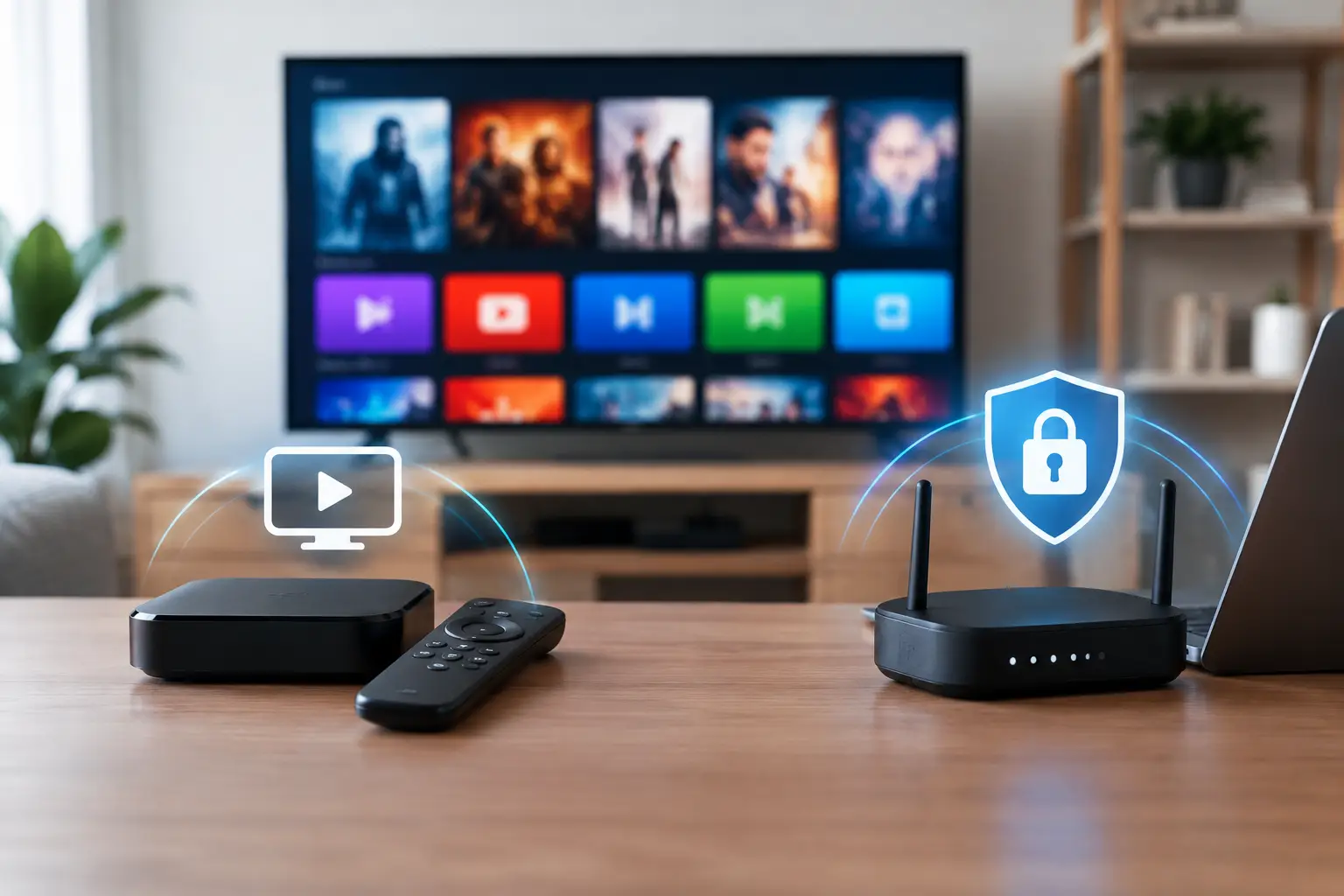
A family in the U.S. may use the internet for everything from video calls to Russian news, children’s cartoons, and live sports. That is why IPTV versus VPN can be confusing at first: both use your internet connection, but they solve completely different problems. One gives you television content. The other changes how your device connects to the internet.
For most viewers, IPTV is the main service they need to watch live channels, replay programs, films, and series. A VPN may be useful in specific situations, but it does not replace an IPTV subscription, a compatible player, or a reliable home internet connection.
IPTV Versus VPN: The Basic Difference
IPTV stands for Internet Protocol Television. Instead of receiving channels through a cable box or satellite dish, you watch television through an internet connection. Your IPTV provider supplies access to live channels and, depending on the service, channel archives and on-demand entertainment. You can then watch on a Smart TV, TV box, phone, tablet, computer, or supported app.
For Russian-speaking households outside their home media market, IPTV is a practical way to keep familiar programming in one place. It can include Russian, Ukrainian, and regional channels, plus movies, series, documentaries, concerts, kids’ content, and sports. Features such as archives are especially helpful when a live broadcast airs while you are at work, asleep, or busy with family.
A VPN, or virtual private network, is a privacy and connection tool. It creates an encrypted connection between your device and a VPN server. Websites and online services see the VPN server’s location instead of your usual home IP address. People commonly use VPNs on public Wi-Fi, when traveling, or when they want added privacy on a network they do not control.
Put simply, IPTV is the TV service. A VPN is an optional network tool. Buying a VPN does not give you channels, movies, or an IPTV playlist. Buying IPTV does not automatically provide a VPN.
What IPTV Does for Everyday Viewing
An IPTV subscription is built for watching content. Once your account or playlist is set up in a compatible app or device, you choose a channel or title and begin playback over the internet. The viewing experience depends on the provider, your device, your app, and the quality of your connection.
A good IPTV setup can replace the frustration of searching across multiple apps for familiar-language programming. Rather than switching between live news, a movie service, and a children’s app, the household can access a broad selection through one television platform. Russia Plus TV, for example, is designed around this all-in-one approach, with thousands of channels, an archive, a film library, and support for common household devices.
The biggest IPTV benefits are content access and flexibility. You can watch live television in the living room, continue a program on a tablet, or use a phone when traveling. With replay and archives, television does not have to follow a fixed broadcast schedule.
That convenience still requires enough bandwidth. One HD stream is usually manageable for most home connections, but multiple TVs, gaming, video calls, and 4K playback all use capacity. If a channel pauses or buffers, the problem may be local Wi-Fi congestion rather than the IPTV service itself.
What a VPN Can and Cannot Do
A VPN can be useful when privacy or network routing is the concern. For example, if you are watching on airport Wi-Fi, hotel Wi-Fi, or another shared network, a trusted VPN can add a layer of protection to your internet traffic. It may also help if a particular local network handles streaming traffic poorly and another server route performs better.
However, VPN results vary. Routing data through an extra server can increase the distance your stream travels. That can reduce speed, increase delay, or cause buffering, particularly with a crowded free VPN service. A VPN is not automatically better for streaming simply because it is turned on.
It also cannot repair an expired subscription, incorrect login information, a damaged playlist, or a provider-side outage. If your TV app is not compatible with your playlist format, a VPN will not make it compatible. If your internet package is too slow for 4K video, a VPN will not create additional bandwidth.
Location is another area where viewers should be realistic. A VPN may change the apparent location of your connection, but it does not change a service’s content rights, account rules, or local laws. Use services according to their terms and choose legitimate content access that fits where you live.
Do You Need a VPN for IPTV?
For most home IPTV viewers, the answer is no. Start with your IPTV service and a stable internet connection. Install the recommended app or compatible player, add your subscription details, and test several channels. If playback is stable, clear, and reliable, there is no reason to add another layer to the setup.
A VPN becomes worth considering when you have a specific reason. You may want more privacy on public Wi-Fi, you may be traveling and using unfamiliar networks, or you may have identified a genuine routing issue with your normal connection. In those cases, test the VPN carefully rather than assuming every server will work equally well.
If you decide to use one, select a reputable paid VPN with servers that offer good speed near your viewing location. Avoid choosing a distant server just because it is available. Start with a nearby server, run a short playback test, and compare picture quality with the VPN turned off. Keep the option that gives your household the more consistent result.
How to Build a Reliable IPTV Setup
The simplest setup is often the best. Begin by connecting your primary TV device through Ethernet if possible. A wired connection is usually more stable than Wi-Fi, especially in larger homes or apartments where the router is far from the television. If Wi-Fi is your only option, use the stronger available band and place the router where it can serve the room effectively.
Next, use a device and player that support your IPTV format. Many viewers choose a Smart TV app, Android TV or other TV box, while others use VLC, OTT Navigator, Televizo, or another m3u8-compatible player on mobile and computer devices. The right choice depends on what you already own and how you prefer to watch.
Keep the app updated, confirm that your subscription details are entered exactly as provided, and give the playlist time to load fully after setup. If channels fail to open, restart the app and device before changing multiple settings at once. Small, deliberate checks make troubleshooting much easier.
When several people watch at the same time, consider your household’s total internet use. A parent streaming a film in 4K, a child watching cartoons on a tablet, and another person gaming can put pressure on Wi-Fi and bandwidth. A faster plan or a better router may improve every connected device, not just television.
Common Problems and the Right Fix
Buffering is the issue viewers notice most. Before blaming the IPTV service, test another internet activity on the same device, restart your router, and try a different channel. If only one channel has trouble, the cause may be specific to that source. If every channel buffers, test the device closer to the router or with an Ethernet cable.
If playback works on a phone but not the TV, check the TV app, its available storage, and whether it supports the playlist type you are using. If it works on the TV but not on mobile data, your cellular signal or data settings may be the issue. These comparisons quickly narrow down where the problem begins.
A VPN should be a test, not the first repair step. Turn it on only after confirming that your subscription, app, device, and regular connection are working as expected. If performance gets worse, turn it off. The best streaming setup is the one that lets your family press play and watch without spending the evening adjusting technical settings.












