
A missed live broadcast does not have to mean a missed connection to home. The most useful IPTV setup success stories are not about complicated equipment or technical jargon. They are about Russian-speaking families finding a practical way to watch familiar news, series, cartoons, concerts, and sports on the screens they already use.
For viewers in the US and other countries, the right setup often comes down to three things: a stable internet connection, a compatible device, and a viewing method that fits the household. One family may want everything on the living room TV. Another may need parents watching live channels while children use a tablet. With a service built for multiple devices, both setups can work well.
A Family TV Setup That Replaced Cable
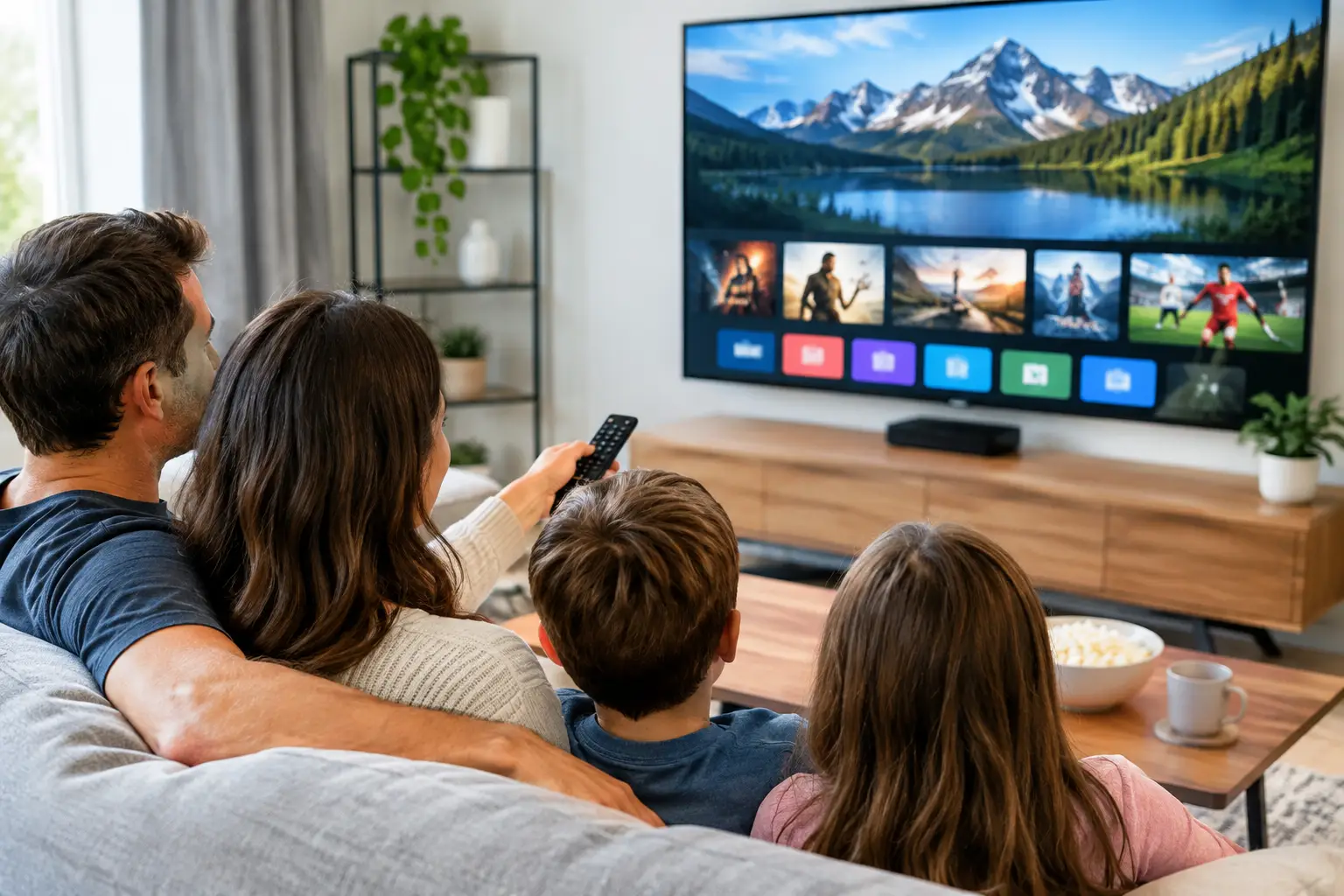
The most common success story begins with a Smart TV in the living room. A family wants Russian-language programming in one place, without switching HDMI inputs, connecting a laptop, or relying on short clips online. They choose a compatible IPTV player or app, enter their subscription details or playlist, and organize favorite channels for easy access.
The practical difference is felt quickly. Instead of searching for a program across several services, they can move between live TV, archived broadcasts, and a movie library from the same viewing setup. Parents may watch news or a series after work, while grandparents can find familiar channels with a simple favorites list.
This approach works especially well when the television has a reliable Wi-Fi connection or, better yet, a direct Ethernet connection. Wi-Fi is convenient, but distance from the router, thick walls, and other connected devices can affect picture quality. For households that regularly watch HD, Full HD, or 4K programming, a wired connection can be worth the small extra effort.
What made this setup successful
The key was not buying more equipment. It was choosing a player supported by the TV and taking a few minutes to arrange the channel list. Once the most-watched channels were saved, the experience became familiar for everyone in the home.
A Smart TV setup is ideal for viewers who want a traditional television experience. It may be less suitable for an older TV with limited app support. In that case, a TV box can be the better answer.
The TV Box Setup for an Older Television
Many subscribers already have a good television but not a newer Smart TV platform. Rather than replacing the screen, they connect a compatible set-top box and use it as the IPTV center for the household. This is a practical option for apartments, second rooms, or a parent’s home where a simple remote-controlled setup matters most.
After connecting the box to the TV and home internet, the subscriber installs a compatible player, such as an m3u8-compatible option, and adds the purchased playlist. The first setup can take a little longer than using a built-in Smart TV app, but it offers flexibility. A capable TV box can also provide smoother navigation than some older television systems.
One representative household used this approach to make Russian and Ukrainian channels easy for visiting relatives to watch. The family set the interface to open directly in the player and placed favorite channels at the top. There was no need for guests to use a phone, remember passwords, or learn a new streaming platform.
The trade-off to consider
A TV box adds another device, remote, and power cable. It is not the most minimal setup. But for an older TV or a screen with limited app choices, it can provide a reliable, affordable path to live channels, channel archives, films, series, and children’s programming.
IPTV Setup Success Stories on Phones and Tablets
Not every successful setup is centered on the living room. For busy households, mobile access is often what makes a subscription genuinely useful. A parent may watch a news program during a lunch break, while a student streams a concert or series episode on a tablet after class.
Compatible mobile apps and third-party players such as OTT Navigator or Televizo make this possible on supported devices. The setup is usually straightforward: install the player, add the playlist or account information, allow the channel guide to load, and start watching. A strong Wi-Fi connection is best at home, while mobile data use depends on the customer’s plan and available signal.
For Russian-speaking parents, mobile viewing can also help keep children entertained during travel or waiting times. Cartoons, family films, and familiar shows are easier to access when they are already available in one service instead of spread across several apps.
The best mobile setup includes a little planning. Downloading a player and entering the playlist is only the start. Saving favorite channels, checking parental settings where available, and using Wi-Fi for longer viewing sessions can make day-to-day use much more convenient.
A Computer Setup for Flexible Viewing
Some viewers prefer a computer because it is already part of their routine. They may work from home, use a desktop in a home office, or want to watch on a laptop while traveling. A compatible player such as VLC can be a practical choice for subscribers who prefer a familiar desktop environment.
This setup can be especially helpful when a household does not share one main television schedule. Someone can watch live sports in the living room while another person catches up on an archived broadcast from a computer. The value is not just the number of channels. It is the ability to watch in a way that does not require the whole family to agree on one screen.
Computer viewing also makes it easy to test an internet connection before setting up a larger screen. If playback is stable on a laptop near the router but not on the TV across the home, the issue may be local Wi-Fi coverage rather than the IPTV service or player. That simple test can save time.
Why Channel Archives Change the Routine
A recurring theme in successful setups is that viewers do not use IPTV only for live TV. Time-shifted viewing and channel archives often become the feature households appreciate most.
A family in a US time zone may not be awake when a favorite program airs overseas. With archived content where available, they can watch it later instead of trying to find unofficial clips or waiting for a replay. This is useful for news programs, talk shows, entertainment, and sporting events, although archive availability can vary by channel and program.
That flexibility also makes the service easier to share across a household. One person watches live television, another chooses a film from the library, and someone else returns to a recorded broadcast later in the evening. A broad catalog becomes more valuable when it works around real schedules.
The Small Setup Habits That Prevent Frustration
Most successful installations have a few practical details in common. The subscriber checks that the chosen device supports the preferred app or player, uses current login or playlist information, and gives the channel list enough time to load on first use. They also make sure the internet connection is stable before judging picture quality.
If a stream buffers, the answer is not always to reinstall everything. First, test another channel, restart the player, check whether other devices are heavily using the home network, and try moving closer to the router or using Ethernet. If the problem continues, customer support can help identify whether the issue is related to the device, player, playlist settings, or connection.
It also helps to keep the setup simple. Choose one primary viewing method first, get it working comfortably, then add other devices as needed. A household does not need every possible app or player. It needs the option that feels easiest for the people who will use it every day.
A Setup That Fits the Whole Household
Russia Plus TV is designed for this kind of everyday flexibility: familiar Russian-language television, a large selection of channels and on-demand entertainment, and access across supported TVs, TV boxes, phones, tablets, and computers. The right device may differ from one family member to another, but the goal stays the same – making favorite programming easy to find and easy to watch.
The best IPTV setup is not necessarily the most technical one. It is the one that lets a grandparent find a familiar channel, gives parents a chance to watch on their schedule, and keeps family entertainment within reach on the devices already at home.