

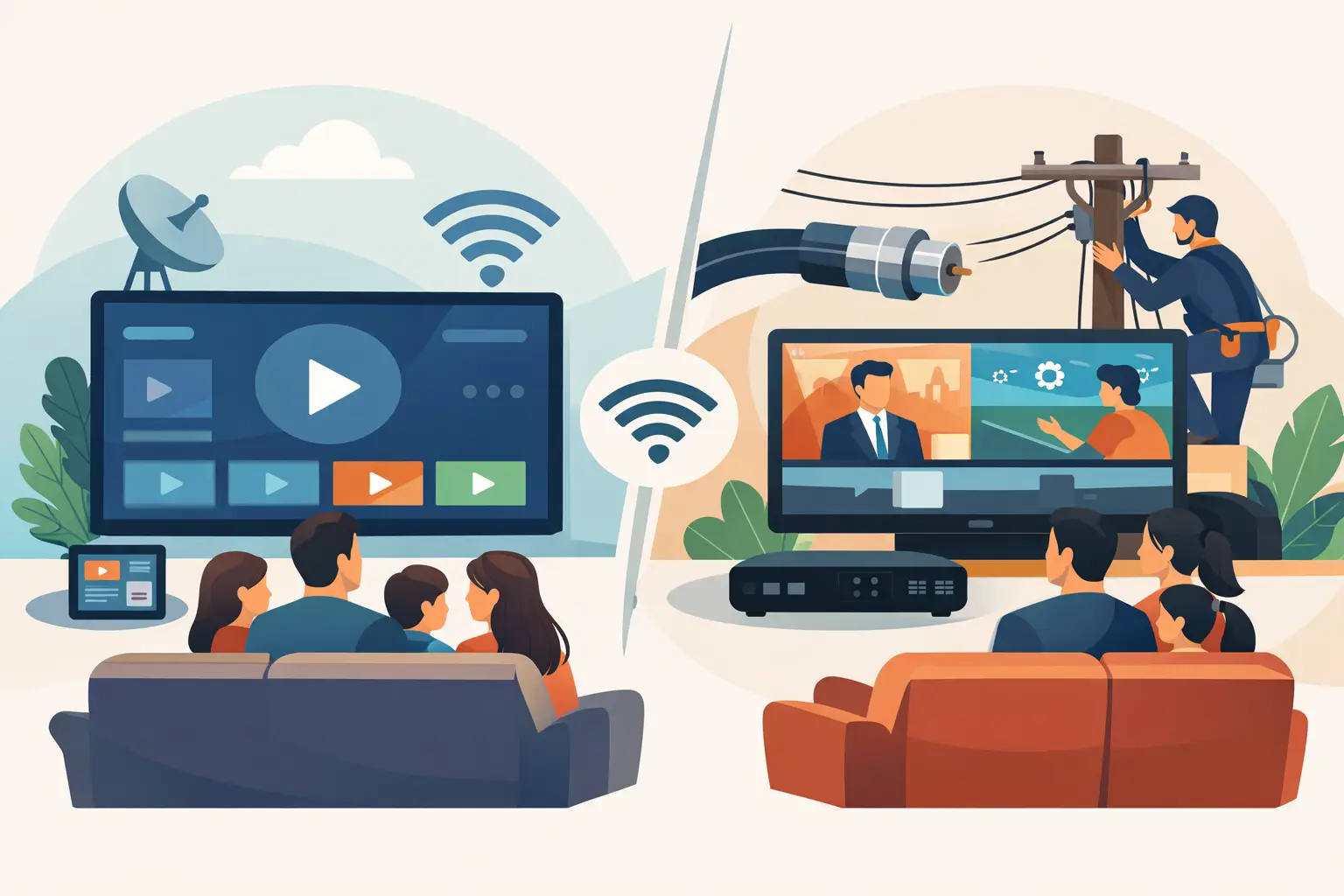
A family may have a large smart TV in the living room, a tablet in the kitchen, and phones on the go, yet still be paying for a cable package built for one television at home. That is the practical difference behind IPTV versus cable television. Cable delivers channels through a dedicated TV network, while IPTV delivers television over your internet connection and can follow you across compatible devices.
For Russian-speaking households in the United States, the choice is often about more than how a signal reaches the screen. It is about finding familiar news, entertainment, movies, children’s programming, and live sports without paying for a large bundle of channels nobody watches. The better option depends on your internet connection, viewing habits, preferred content, and how many people in the household want to watch at once.
IPTV Versus Cable Television: The Core Difference
Cable television uses a physical cable network installed by a local provider. You subscribe to a package, connect a cable box or compatible TV equipment, and receive a fixed lineup of live channels. Cable can be convenient where it is already installed, but the service is usually tied to your address, provider, equipment rules, and channel packages.
IPTV stands for Internet Protocol Television. It sends live television, archives, and on-demand video through broadband internet rather than a traditional cable line. You can watch on a Smart TV, TV box, computer, smartphone, or tablet when the device and app or player support the service.
This distinction changes the day-to-day experience. Cable is primarily home-based live TV. IPTV can be a complete viewing option for the home while also giving each family member access on their own screen. A parent can watch a news program in the living room while another viewer continues a series on a tablet, subject to the subscription’s allowed connections and the quality of the home network.
Channel Choice Matters More Than Channel Numbers
A cable plan may advertise hundreds of channels, but its selection is designed for a broad local market. International or Russian-language networks can be limited, placed in expensive add-on packages, or unavailable altogether. That can leave viewers switching between multiple subscriptions just to find the programs they recognize.
IPTV services are often built around larger, more specialized content libraries. For a Russian-speaking family, this can mean access to Russian, Ukrainian, and regional channels alongside films, series, documentaries, concerts, cartoons, and sports. The value is not simply having a high channel count. It is having more of the channels and programs your household actually wants to watch.
For example, Russia Plus TV offers more than 3,500 channels as well as a film library and archived programming. That combination can be especially useful for households with different viewing preferences: live news for adults, cartoons for children, entertainment shows for grandparents, and movies or series for evening viewing.
Cable may still make sense if your favorite local stations, regional sports networks, and a small set of US channels are all you need. But if native-language content is central to your household, compare actual channel lists before comparing package names. A lower monthly price does not help if the programs you want are missing.
Cost and Equipment: Look Beyond the Advertised Rate
Cable pricing can be difficult to judge from the introductory offer alone. Taxes, broadcast fees, equipment rentals, premium tiers, and price changes after a promotional period may raise the monthly bill. Some providers also require a technician visit or have cancellation terms that make switching less convenient.
IPTV generally uses a simpler model: a recurring subscription and your existing internet service. Many viewers already own a Smart TV, streaming box, phone, tablet, or computer, so they may not need to rent a separate cable box for every room. Some people prefer a dedicated TV box for a remote-control experience, while others use an app directly on their television.
That does not mean IPTV has no costs beyond the subscription. You need dependable internet, and a weak Wi-Fi signal can affect picture quality. If your router is far from the TV or many devices are using the network at once, a wired Ethernet connection or a better Wi-Fi setup can make a noticeable difference. Consider the full monthly cost: internet, television service, optional hardware, and the number of screens your household needs.
Device Flexibility Is a Major IPTV Advantage
Cable is easiest when everyone watches on televisions connected to the provider’s equipment. Some cable companies offer mobile apps, but access may be restricted by location, channel rights, or the plan you have purchased.
IPTV is designed for more flexible viewing. A compatible service can work through Smart TVs, set-top boxes, smartphones, tablets, laptops, desktop computers, dedicated mobile apps, and supported m3u8 players such as VLC, OTT Navigator, and Televizo. This gives viewers choices without forcing the entire household into one setup.
The practical benefit is simple. You can watch a morning program on a phone, put a movie on the family TV later, and use a computer when traveling or working away from home. Before subscribing, confirm which devices are supported, how many devices can be used at the same time, and whether setup help is available for your preferred device.
Setup Is Usually Easier Than It Sounds
IPTV setup does not require advanced technical skills, but it does require a few basic details. You typically need a reliable internet connection, a compatible device, and the service login or playlist information. On a Smart TV or TV box, you install or open a compatible app, enter the provided credentials, and select a channel.
If you are less comfortable with apps, choose a service that provides clear instructions and support. The goal is not to spend an evening adjusting settings. It is to get your channels working on the screens your family uses most.
Live TV Is Only Part of the Experience
Cable remains strong for the traditional routine of turning on a television and browsing live channels. For some viewers, that familiar experience is enough. However, cable schedules can be limiting if you miss a program because of work, school, time zones, or family responsibilities.
Many IPTV subscriptions include channel archives or replay features. Instead of arranging your schedule around a broadcast time, you can return to eligible programming after it has aired. A built-in film library can also reduce the need to search for entertainment across separate apps.
Archives are particularly useful for viewers in the US watching channels from other regions. A live evening program abroad may air during a busy part of the day in America. Replay makes it easier to watch when it suits your household. Availability varies by channel and service, so it is worth checking how long archived broadcasts remain available and which channels include them.
Reliability Depends on the Connection Behind the Screen
Cable has one clear advantage: it does not rely on your home internet connection in the same way IPTV does. During an internet outage, cable TV may continue to work if the local cable network is unaffected. This can matter for viewers who want television access during severe weather or network interruptions.
IPTV performance is closely connected to internet quality. A stable broadband plan is usually more valuable than the highest advertised speed. Streaming in HD, Full HD, or 4K requires enough available bandwidth, especially when several people are watching or gaming at the same time. Wi-Fi congestion, an outdated router, and temporary internet provider issues can all cause buffering.
For the best experience, place the router in a central location, use Ethernet for the main television when possible, and avoid downloading large files while streaming important live events. If buffering happens regularly, test the home connection before assuming the TV service is the issue.
Which Option Fits Your Household?
Cable television is a reasonable choice for viewers who want local channels, prefer a provider-installed setup, and mainly watch one or two TVs at home. It can also be appealing in areas where internet service is inconsistent.
IPTV is usually the stronger fit for households that want broader Russian-language programming, more flexibility across devices, archives for missed broadcasts, and a lower-cost alternative to large cable bundles. It is especially practical for families with mixed schedules and viewers who want live TV and on-demand entertainment in one subscription.
Before choosing, check four details: the channels you care about, the total monthly cost after fees, device compatibility, and the strength of your internet connection. A television service should fit the way your family already watches, not force everyone back to a single screen and a fixed schedule.
The right choice is the one that makes familiar programming easy to find, easy to watch, and affordable enough to keep in the home month after month.












