
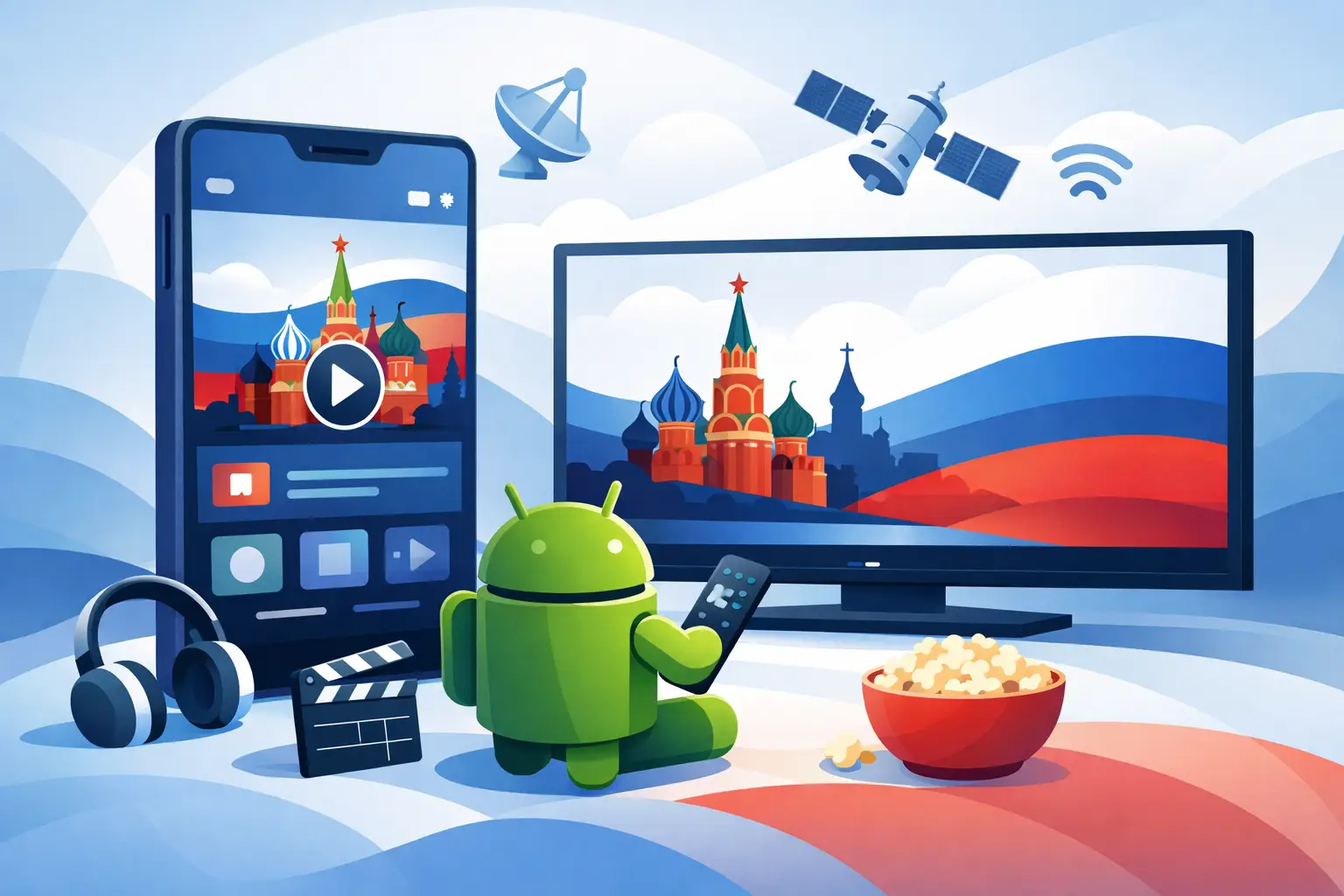
If your phone or tablet is the screen you use most, choosing the right russian tv app for android comes down to one simple question: can it give you fast access to the channels and programs you actually watch without turning setup into a project? For most Russian-speaking families in the US, that means live TV, stable playback, replay options, and enough variety to keep adults and kids covered in one subscription.
Android is a practical choice for IPTV because it works across many devices, not just phones. The same account can often fit into the way your household already watches TV – on an Android phone during a commute, on a tablet in the kitchen, or on an Android TV box connected to the main screen. That flexibility matters when you want Russian-language television to feel like a normal part of daily life rather than something you only watch occasionally.
What makes a good russian tv app for android
A good app should first make live TV easy to start. If you open it and spend too much time searching, logging in again, or dealing with buffering, the app is not doing its job. Most viewers want to open the app, choose a channel, and watch in seconds.
The second thing that matters is channel depth. A small lineup may cover a few headline channels, but many households want more than news and general entertainment. They want movies, series, kids’ programming, sports, documentaries, music, and regional content in one place. The best Android viewing setup is the one that reduces the need to switch between multiple services.
Replay and archive access also make a big difference. Time zones, work schedules, and family routines in the US do not always match live broadcast times from Russian-speaking markets. If a service includes channel archives, recorded broadcasts, or on-demand content, it becomes far more useful for everyday viewing.
Then there is compatibility. Some users prefer a dedicated mobile app, while others want to load playlists into familiar players like VLC, OTT Navigator, or Televizo. Neither approach is automatically better. A built-in app can feel simpler for beginners, while third-party players can offer more control for users who already know what they like.
Why Android is a strong fit for Russian-language IPTV
Android gives viewers more ways to watch than many closed ecosystems. You can use a phone, tablet, Android TV, streaming box, or another compatible device without rebuilding your setup each time. For families, this matters because viewing is rarely limited to one room or one screen.
It also helps with affordability. Many households already own at least one Android device, which means there is no need to buy specialized hardware just to start watching. If you later decide to move from mobile viewing to a larger TV setup, Android-based boxes and Smart TV options make that transition easier.
There is also a practical advantage in app choice. Some services provide their own app, and some work well through playlist-based players. That gives users a path that matches their comfort level. If you want the simplest route, a dedicated app is usually the fastest way to begin. If you want more playback settings or a customized interface, a third-party player can be a good fit.
What to check before you subscribe
Start with content volume, but do not stop there. A big channel count sounds attractive, yet the real value is whether the lineup includes the categories your household watches every week. News for parents, cartoons for children, serials, movies, sports, and entertainment channels all matter differently depending on the family.
Next, check picture quality. HD is now the basic expectation, but some viewers also want Full HD or 4K where available. Higher quality looks better on larger screens, although it also depends on your internet speed. If your connection is modest, a service that balances quality with stable playback may be more useful than one that advertises only top-end resolution.
Support for archives is another key point. For viewers outside the local broadcast region, replay can be just as important as live access. Missing a program should not mean waiting days or hoping it appears somewhere else.
Finally, consider the setup path. The best service is not only the one with the most channels. It is the one you can activate quickly, use on the devices you already own, and manage without frustration.
Dedicated app or IPTV player?
This is where many users hesitate, and the answer depends on how simple or flexible you want your setup to be.
A dedicated russian tv app for android is usually the better choice for viewers who want a straightforward start. You install the app, sign in, and begin watching. The menus are often designed around the service itself, which can make navigation easier for less technical users.
An IPTV player such as VLC, OTT Navigator, or Televizo can be a better option if you want more control over layout, playback settings, or playlist management. These apps are popular because they work with m3u8-compatible services and give users additional ways to organize channels. The trade-off is that setup may take a little longer, especially for first-time IPTV users.
For many households, the simplest approach is to begin with the dedicated app and then move to a third-party player later if you want extra customization. That way, you start watching quickly and adjust only if needed.
Everyday features that matter more than marketing claims
The most useful Android TV experience is usually built on a few basics done well. Fast channel switching is one. Nobody wants to wait through long delays every time they move from news to sports or from kids’ content to a movie.
A clear program guide is another. If the app makes it easy to see what is on now and what comes next, the whole service feels easier to use. This is especially helpful for households with mixed viewing habits where different family members use the same account.
Search and categorization also matter. When a library includes films, series, shows, and archived broadcasts, good organization saves time. If everything is present but hard to find, the value of a large catalog drops quickly.
Stable performance may be the biggest factor of all. A service can advertise thousands of channels, but if regular viewing is interrupted by buffering or login issues, subscribers will notice that long before they appreciate the channel count.
A family-friendly setup matters
Many Russian-speaking households abroad are not looking for a niche entertainment app. They want a reliable home TV solution in their own language. That means the service needs to support a wide range of tastes and ages without making account management difficult.
A strong option should cover children with cartoons and family programming, adults with news and series, and the broader household with films, concerts, sports, and documentaries. When live channels and on-demand content are combined in one subscription, the service becomes much easier to justify month after month.
This is where broad-platform access matters too. A parent may watch on Android during the day, while the family uses a Smart TV or set-top box in the evening. Good service feels consistent across devices.
Where value really comes from
Low monthly pricing gets attention, but value is really about how much entertainment and convenience you get for that price. A service with a broad catalog, channel archives, mobile support, and playback across multiple device types often replaces the need for several separate subscriptions.
That is one reason many viewers choose services built for Russian-language households abroad. They are not just paying for channels. They are paying for access to familiar content, easier routines, and a setup that works with the devices already in the home.
For example, a platform like Russia Plus TV appeals to viewers who want a large selection, replay support, and compatibility across phones, tablets, Smart TVs, computers, and popular IPTV players. That kind of flexibility matters because no two households watch the same way.
How to choose the right app for your home
Think less about finding the single most advanced app and more about finding the one that matches your routine. If you want quick mobile access with minimal setup, choose a service with a dedicated Android app. If you prefer more control and already use IPTV players, make sure the service supports playlist-based access.
Also be honest about what your family watches. A huge sports package will not matter much if your home mostly watches movies and kids’ channels. Likewise, a film library matters more if replay and on-demand viewing are part of your daily routine.
The best choice is usually the one that gives you enough live channels, dependable archives, broad device support, and simple account use at a price that feels easy to keep. When those pieces are in place, Android becomes one of the easiest ways to keep Russian-language television close at hand wherever you are.
A good app should not ask you to change your habits. It should fit into them, so watching familiar channels, films, and shows feels simple any day of the week.