

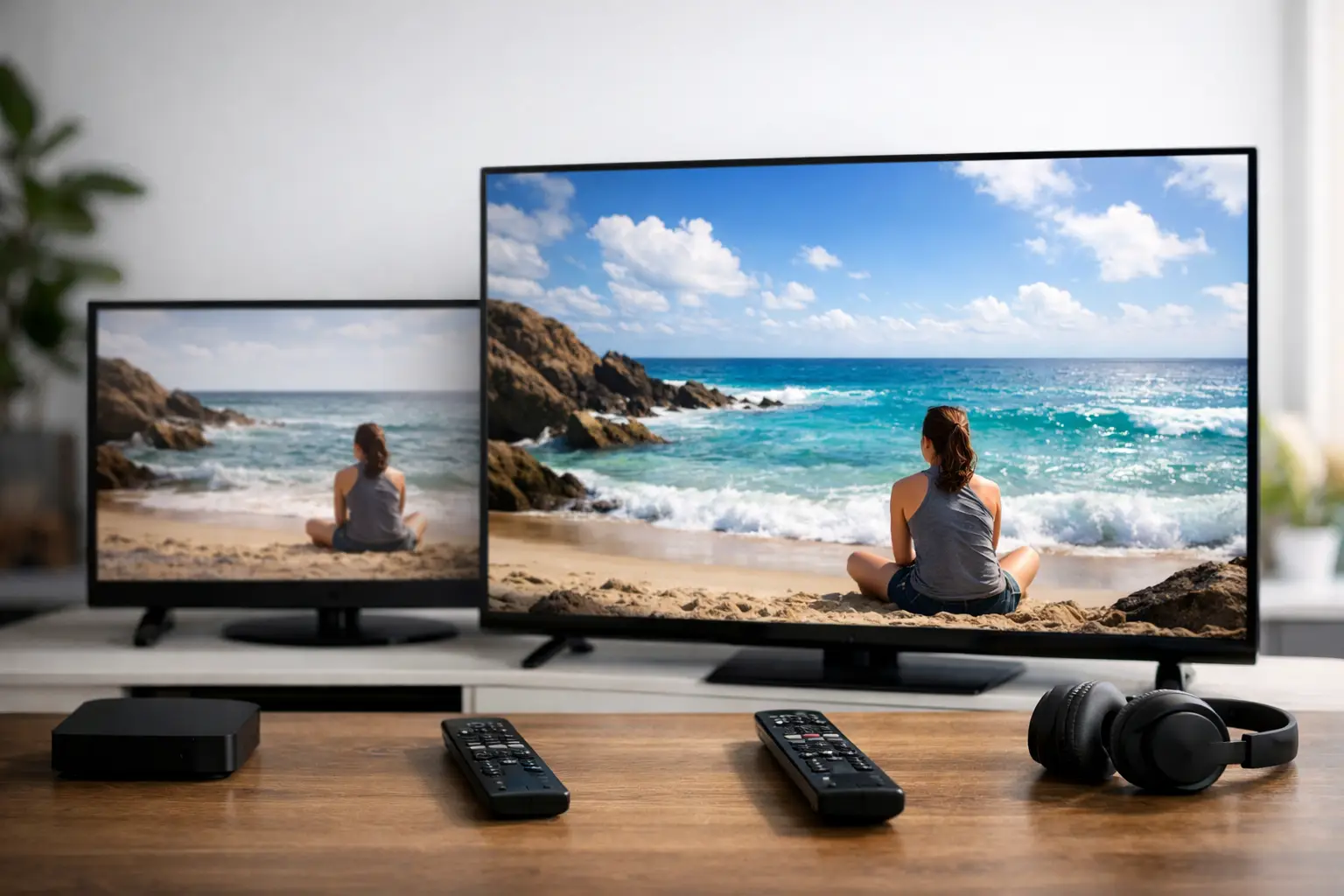
A live news broadcast may look perfectly sharp in HD, while a nature documentary can make the difference between HD and 4K impossible to ignore. That is why HD versus 4K streaming is not only about choosing the biggest number on a TV menu. It is about your screen size, internet connection, the type of program your family watches, and whether the source is actually available in 4K.
For Russian-speaking households watching live channels, films, children’s programs, sports, and archived broadcasts from the US or abroad, the best choice is often a mix. HD delivers a clear, reliable picture for everyday viewing. 4K can add striking detail when the content, device, and connection all support it.
What HD and 4K Actually Mean
HD usually refers to a resolution of 1280 by 720 pixels. Full HD is 1920 by 1080 pixels and is the format many viewers recognize as standard high-quality television. A Full HD image has enough detail for most live TV, series, and movies, particularly on smaller and mid-sized screens.
4K, also called Ultra HD, is typically 3840 by 2160 pixels. That is four times as many pixels as Full HD. On a compatible television, 4K can show finer textures, sharper edges, more detailed landscapes, and cleaner images when viewed close to a large screen.
Resolution is only one part of picture quality. A well-produced Full HD stream can look better than a poorly encoded 4K stream. Frame rate, color, compression, the original broadcast quality, and the stability of your home internet all affect what you see.
HD Versus 4K Streaming on Your TV
The size of your television has a major effect on whether 4K is worth using. On a 32-inch TV across the room, many viewers will see little practical difference between Full HD and 4K. On a 55-inch, 65-inch, or larger 4K TV, especially when sitting at a normal living-room distance, the added detail is easier to notice.
4K is most rewarding with programs that contain fine visual detail. Think concerts with elaborate stage lighting, travel programming, major sporting events, documentary footage, and newer movies. It can also make subtitles and on-screen graphics appear cleaner on a large TV.
For daily news, talk shows, classic films, children’s cartoons, and many live channels, HD or Full HD is often the sensible choice. These programs may not have been created or broadcast in native 4K in the first place. A television can upscale an HD stream to fill a 4K display, but upscaling does not create the original image detail that was never there.
Your Internet Connection Matters More Than the Label
A 4K stream requires more data than an HD stream. If your connection is fast but unstable, the picture may pause, reduce quality, or buffer at the worst moment. In that situation, dependable Full HD is more enjoyable than 4K that keeps interrupting a movie or live match.
As a practical starting point, allow about 5 Mbps for a stable HD stream and 15 to 25 Mbps for a 4K stream. Actual needs vary by stream quality and compression. Your household also needs extra capacity for phones, video calls, gaming, remote work, and other devices using the same network.
For example, a family with a 100 Mbps plan can usually watch 4K comfortably while other devices are online, provided the Wi-Fi signal is strong. A household on a slower plan may prefer HD for live television and reserve 4K for special programs when fewer devices are connected.
Wi-Fi placement matters. If the TV is far from the router, behind thick walls, or using an older wireless connection, your available speed can be much lower than what your internet plan advertises. Connecting a TV box directly by Ethernet cable is often the most reliable option. If a wired connection is not practical, placing the router in a more central location or using a quality mesh Wi-Fi system can help.
Device Support: Check Before You Choose 4K
A 4K subscription option cannot turn an older television into a 4K television. To watch true 4K, you need a 4K-capable display and a streaming device or app that supports 4K playback. Your HDMI cable and TV input may also need to support the required video standard if you use a set-top box.
Most newer Smart TVs support 4K, but app support can vary by brand and model. Some customers prefer a dedicated TV box because it gives them a familiar remote, reliable app options, and a straightforward setup process. Smartphones, tablets, and computers can also play high-quality video, although 4K is less noticeable on a small screen.
Before changing your preferred stream quality, check three things: the television’s maximum resolution, the device or player’s video capabilities, and the quality options offered for the channel or title you want to watch. This saves time and avoids paying for a level of quality your equipment cannot display.
Not Every Channel or Movie Is Native 4K
A large content library can include channels in different resolutions because broadcasters produce material differently. A live channel may be available in HD, Full HD, or 4K depending on the broadcaster, program, and feed. Older films and archived shows may be presented in a lower resolution because that is the best available source.
This is normal. Resolution should match the source rather than become a reason to dismiss a program. A beloved Russian series from an earlier era can still look excellent in HD. A modern concert or recently produced feature may make better use of a 4K display.
Russia Plus TV gives viewers access to channels and entertainment in HD, Full HD, 4K, and other formats across compatible devices. That variety is useful because a household can select the picture quality that fits each screen, program, and internet connection rather than forcing every stream into one setting.
When HD Is the Better Choice
HD is not a compromise when it meets your viewing needs. It is often the smarter setting for a second TV, a bedroom television, a tablet, or a home with several people watching different programs at once. It uses less bandwidth, starts faster on weaker connections, and still provides a clear picture for most television viewing.
Choose HD or Full HD when you are watching live channels that do not offer native 4K, when your internet is shared heavily, or when you are away from home using mobile data. It is also a good choice if you want dependable viewing during busy evening hours, when neighborhood network traffic can sometimes affect performance.
Full HD is especially a strong middle ground. It gives a detailed image on many TVs without the heavier data demand of 4K. For many families, it is the default setting that provides the best balance of quality and reliability.
When 4K Is Worth It
Choose 4K when you have a larger compatible TV, steady internet service, and content produced in 4K or high-quality Ultra HD. It is a strong option for viewers who care about visual detail and spend time with movies, sports, concerts, and documentaries.
4K also makes sense when the television is the main screen in your home and your network has room to spare. If you can watch for an hour without buffering or sudden quality changes, you are getting the benefit you paid for. If problems appear, switching back to Full HD is a practical adjustment, not a downgrade in your viewing experience.
A Simple Way to Find Your Best Setting
Start with Full HD on your main television. Watch a familiar live channel, a film, and a program with fast movement. If the picture is clear and stable, try a 4K title or channel on the same screen. Look closely at fine details, motion, subtitles, and background textures rather than relying only on the 4K label.
Then test at the time your household uses the internet most. If 4K remains stable while other family members use phones, tablets, or computers, it may be a good regular option. If it buffers, reduce the quality to HD or Full HD and enjoy the program without interruptions.
The right setting is the one that lets everyone watch familiar Russian-language entertainment comfortably on the devices they already use. A stable, clear picture and a program your family wants to see will always matter more than a resolution number on the screen.












