

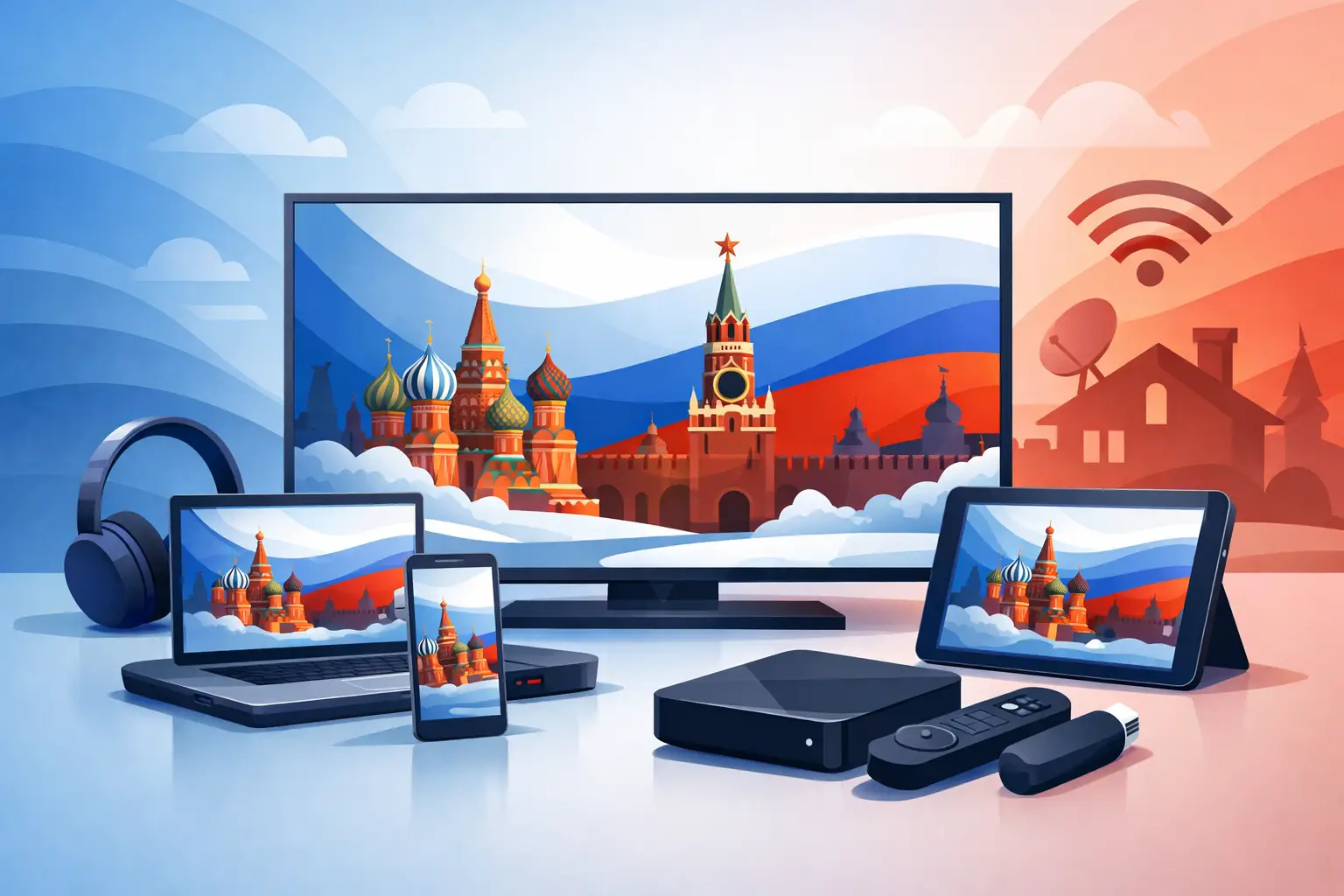
A missed live show should not mean missing it completely. The top devices for Russian streaming make it easy to watch familiar news, series, films, cartoons, sports, and regional channels on the screen that fits the moment. For most households, the best choice is not the newest device or the most expensive one. It is the device that is already easy to use, has a stable internet connection, and works well for everyone in the family.
Russian-language IPTV is flexible by design. You can watch on a large living-room TV, continue an episode on a tablet, or use a phone while traveling. The right setup depends on where you watch most often, how many people share the account, and whether you prefer a simple app experience or a separate TV box.
Top Devices for Russian Streaming: Start With Your Screen
Before choosing hardware, think about your daily viewing habits. A family that watches live television together will usually benefit most from a Smart TV or streaming box. Someone who watches channel archives during a commute may get more value from a phone or tablet. Many subscribers use both: a large screen at home and a mobile device for flexible viewing.
For a service with a broad selection of live channels, movies, series, children’s programming, and recorded broadcasts, device compatibility matters as much as picture quality. Your device should support a suitable IPTV app or player, connect reliably to your home network, and be simple enough that every household member can find what they want to watch.
Smart TVs: The Most Natural Living-Room Choice
A Smart TV is often the easiest option for Russian streaming because it puts live channels and on-demand content directly on the biggest screen in the house. Modern Samsung, LG, Android TV, Google TV, and other Smart TV platforms can support IPTV applications, depending on the model and operating system.
This setup works particularly well for households that want a cable-TV-like experience without extra equipment. Open the compatible app, add your subscription details or playlist when required, organize favorites, and begin watching. A good TV remote is familiar to children, parents, and grandparents, which makes Smart TVs a practical choice for shared viewing.
The trade-off is that app availability can vary by TV brand, model year, and region. Older Smart TVs may have slower menus, limited memory, or fewer supported players. If your television is still in good condition but its software is no longer convenient, a separate streaming device can be a better answer than replacing the TV.
Android TV and Google TV Boxes: More Control and More App Options
An Android TV or Google TV box is one of the strongest choices for viewers who want flexibility. These compact devices connect to your television through HDMI and generally provide access to a wide range of IPTV apps. They are useful when you want a faster interface than an older Smart TV provides or want to use a preferred player such as OTT Navigator or Televizo.
A TV box also keeps your streaming setup independent from the television itself. If you later replace the TV, you can often move the box to the new screen and continue using the same familiar app. This is especially helpful for users who have spent time creating favorite-channel lists and adjusting playback settings.
Look for a device with current software, enough storage for apps, and reliable Wi-Fi. Ethernet is even better when your router is nearby, particularly for HD, Full HD, and 4K viewing. Cheap, outdated boxes can seem like a bargain, but slow performance and poor Wi-Fi can turn channel switching into a frustrating experience.
Fire TV Devices: A Compact Option for Secondary TVs
Fire TV Stick and Fire TV devices are popular choices for bedrooms, guest rooms, and second televisions. They are small, affordable, and simple to move from one HDMI-equipped TV to another. For a household that wants Russian TV in more than one room, this can be a convenient way to extend access without buying multiple Smart TVs.
The experience depends on the compatible app or IPTV player you choose and the device generation you own. Newer models tend to handle higher-resolution streams and faster navigation more comfortably. Check app support before purchasing, as platform policies and available applications can change.
Fire TV works best for people who want a straightforward remote-control experience and do not need advanced customization. It is a good middle ground between built-in Smart TV apps and a more configurable Android TV box.
Smartphones and Tablets: Russian TV Wherever You Are
Phones and tablets are ideal for viewers who do not want their schedule tied to the television. They are useful for catching up on archived programs, watching a film in another room, or keeping children entertained with cartoons while away from home. iPhone, iPad, Android phones, and Android tablets can support compatible IPTV apps and players.
Mobile viewing is also a practical backup when the main TV is in use. Instead of arguing over the remote, one person can watch a live channel on the television while another continues a series on a tablet. For Russian-speaking families with different interests, that flexibility is valuable.
The main limitation is screen size. A phone is excellent for short viewing sessions, but it is not the best place to enjoy a major concert, sports event, or family movie night. Mobile data use is another consideration. Whenever possible, use Wi-Fi for longer sessions and higher-quality streams.
Computers: Best for Simple Setup and Flexible Viewing
A Windows PC, Mac, or laptop remains a dependable choice, especially for viewers who prefer a larger personal screen or want to watch while working from home. Computers can use web-based access when available or compatible m3u8 players such as VLC. They also make it easier to enter account information, manage playlists, and troubleshoot a connection.
For some users, a computer is the simplest first device to test. If playback is smooth on your laptop but not on the TV, the issue may be the television app, Wi-Fi signal, or TV hardware rather than the subscription itself. This makes a computer useful not only for watching, but also for diagnosing setup problems.
A laptop connected to a TV with HDMI can also be a temporary living-room solution. It is less elegant than a dedicated TV device, but it works well when you want to watch on a bigger screen right away.
What Makes a Device Good for IPTV?
The device is only one part of a reliable viewing experience. A stable internet connection is equally important. For standard and HD channels, dependable home Wi-Fi is often sufficient. For Full HD or 4K content, especially when several people use the internet at once, a stronger connection and a wired Ethernet link can improve consistency.
When comparing the top devices for Russian streaming, focus on four practical factors:
- App and player compatibility, including support for the IPTV method you plan to use.
- Remote control and menu simplicity for every member of the household.
- Wi-Fi strength or Ethernet availability where the device will be located.
- Processing speed for quick channel changes and smooth high-resolution playback.
Do not assume that a premium television automatically provides the best IPTV experience. A modest TV paired with a current streaming box can be easier to use than an expensive older Smart TV with outdated software. Likewise, a great device cannot compensate for weak Wi-Fi at the far end of the house.
A Practical Device Plan for Most Families
For a primary living-room setup, start with the Smart TV you already own. If it supports a compatible IPTV app and performs well, there may be no reason to add hardware. If the interface feels slow or the right player is unavailable, add an Android TV, Google TV, or Fire TV device instead.
For a second screen, a tablet or streaming stick is usually enough. A phone is the most convenient travel option, while a computer is useful for workspaces and first-time setup. This combination gives each person a way to watch without making the system complicated.
Russia Plus TV is designed for this kind of multi-device household, with live channels, archives, and entertainment that can fit different screens and schedules. Use a supported app or compatible m3u8 player, keep your device software current, and choose the screen that makes watching feel familiar rather than technical.
The best device is the one your family will actually use: the TV in the living room for shared evenings, the tablet for catch-up viewing, or the phone that keeps favorite Russian-language programs close when home is far away.












