

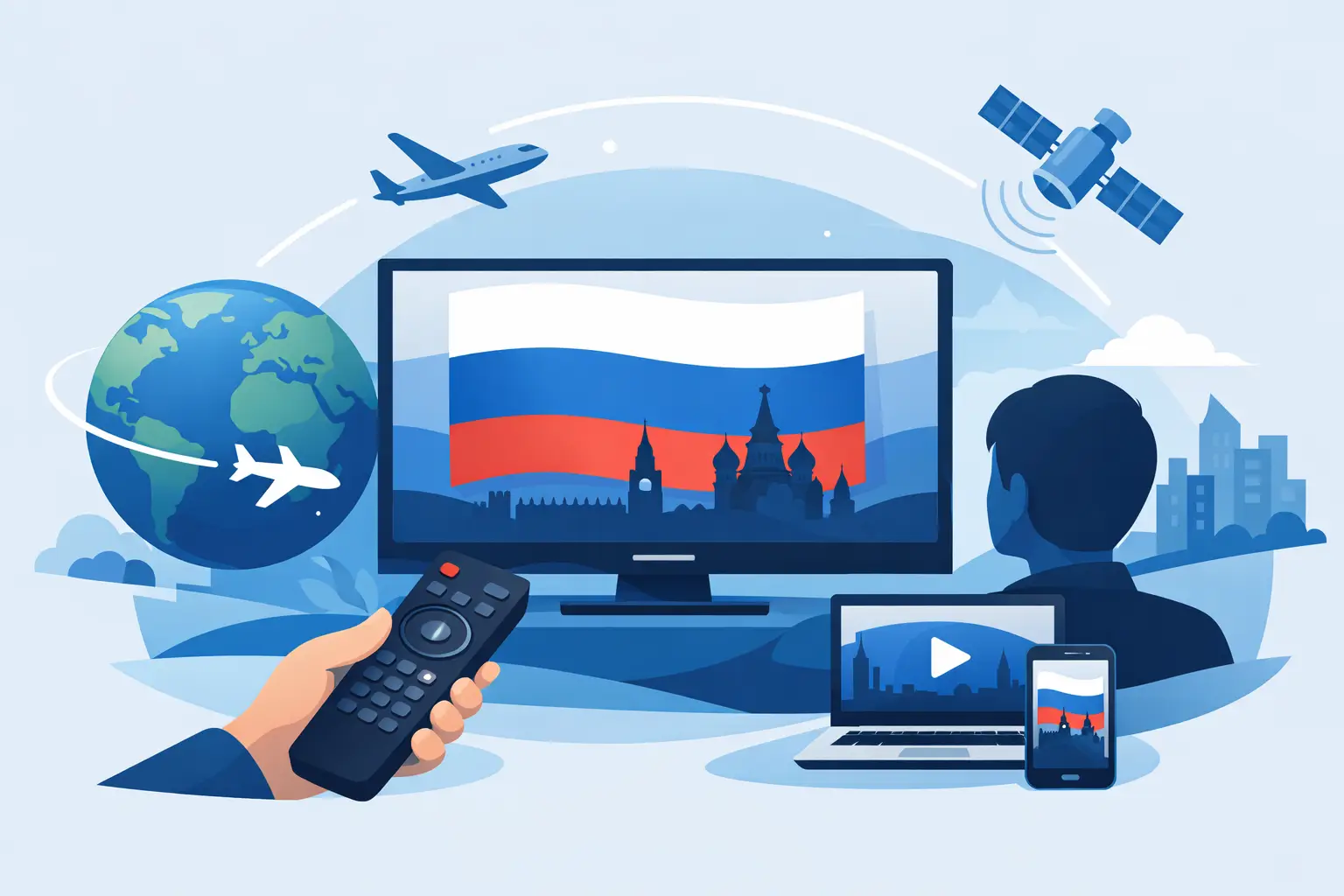
Missing your usual Russian channels gets old fast. News feels distant, favorite shows disappear behind regional restrictions, and family members end up searching five different apps just to find one familiar program. If you are looking for how to watch Russian TV abroad, the simplest answer is to use a reliable IPTV service that gives you live channels, archived broadcasts, and on-demand content in one place.
How to watch Russian TV abroad without complications
For most viewers in the US and other countries, traditional regional broadcasting does not travel well. Some channels are blocked outside their home market. Others offer only partial access, limited schedules, or no replay at all. Free streams can seem tempting, but they are often unstable, low quality, and difficult to use on a TV.
That is why many Russian-speaking households choose IPTV. Instead of trying to piece together separate apps and unofficial streams, IPTV gives you one subscription with broad access across devices. You open the service on your Smart TV, phone, tablet, computer, or TV box and watch from a single account.
The real advantage is convenience. You are not only getting live TV. A good IPTV setup also gives you channel archives, recorded programming, and a larger entertainment library with movies, series, cartoons, documentaries, concerts, and sports. For families, that matters. One person wants live news, another wants children’s programming, and someone else wants to watch last night’s episode later in the evening.
What to look for in a service
If your goal is stable Russian-language viewing abroad, channel count alone is not enough. A large catalog helps, but the experience depends on what happens after you subscribe.
Start with device compatibility. The best service should work on the screens you already use. That usually means Smart TVs, Android TV boxes, smartphones, tablets, laptops, and desktop computers. Some viewers also prefer third-party players that support m3u8 playlists, especially if they already use apps such as VLC, OTT Navigator, or Televizo.
Next, check whether the service includes archives and replay. This is one of the biggest differences between basic streaming access and a more useful everyday TV solution. Time zone differences matter when you live abroad. A live broadcast that airs at a convenient evening hour in Moscow may show up in the middle of the workday in New York or Los Angeles. Archive access lets you watch on your schedule instead of the broadcaster’s schedule.
Content variety matters too. Households rarely watch one type of programming. A service is more practical when it includes news, entertainment, films, TV series, kids’ content, music, documentaries, and sports under one subscription. That reduces the need to keep paying for multiple services.
Finally, pricing should make sense. The best value is usually a low monthly subscription that gives broad access without forcing you into expensive hardware or complicated contracts.
The easiest setup for most users
If you want the quickest path, start with the main device you use at home. For many families, that is a Smart TV in the living room. In that case, you subscribe, install the app if one is available, or load the playlist into a compatible player, sign in, and start watching. This is usually the most comfortable option for live TV because it feels closest to the familiar channel-surfing experience.
If you mostly watch on the go, a smartphone or tablet is often even easier. Once the service is activated, you log in through the mobile app or supported player and stream over Wi-Fi or mobile data. This works well for commuters, travelers, or anyone who wants to keep Russian-language content available throughout the day.
Computers are useful when you want flexibility without buying any extra device. You can watch from a browser-based setup if supported, or through a desktop media player. This is a practical choice for people who split time between work and entertainment on the same screen.
TV boxes and set-top boxes are a good middle ground when your television is older or when you want more control over IPTV apps. Setup can be slightly more technical than on a phone, but still straightforward for mainstream users. Once it is configured, day-to-day use is simple.
How to watch Russian TV abroad on different devices
Smart TVs
Smart TVs are usually the best fit for family viewing. The larger screen, remote navigation, and app support make daily use easy. If the service provides a dedicated app, setup is usually fast. If not, many Smart TVs still support IPTV players where you can enter playlist details and begin streaming.
This option is ideal if your main goal is to replace the feeling of regular television at home. It also makes archive viewing more convenient because everyone can access missed content from the same device.
Phones and tablets
Phones and tablets offer the most flexibility. They are great for personal viewing, quick access to live channels, and catching up on archived content when you are away from home. The trade-off is screen size. For one person, it is perfect. For a whole family, it is better as a secondary device.
Computers and laptops
Computers work well for viewers who want a simple, familiar interface. They are also useful when you need stable playback and quick switching between live TV and archived content. The trade-off here is comfort. Watching a long evening program on a laptop is not the same as sitting in front of a TV.
IPTV players and playlists
Some users prefer third-party IPTV apps because they already know how to use them. In that case, a playlist-based service gives more control over layout and playback preferences. This is a strong option for people who want customization without becoming technical experts.
Why archives and replay matter more abroad
When people ask how to watch Russian TV abroad, they often focus on access. Access is only the first part. The second part is timing.
Living in the US means many live broadcasts happen at inconvenient hours. Morning shows may air overnight. Sports and entertainment events may start while you are at work. Without archives, you either miss the content or try to reorganize your day around someone else’s schedule.
Replay changes that. You watch after dinner, on weekends, or whenever your household has time. It is a small feature on paper, but for many subscribers it becomes one of the most-used parts of the service.
A better option than chasing free streams
Free streaming sources are usually inconsistent. One day a channel works, the next day it disappears. Picture quality can be poor, streams buffer at the worst time, and interfaces are often cluttered or confusing. Some are not designed for TVs at all, which makes the experience frustrating for regular household viewing.
A paid IPTV subscription is more practical if you watch often. You get predictable access, a cleaner interface, more channels, and support for the devices you actually use. Instead of spending time searching for a working stream, you open your service and start watching.
For viewers who want broad Russian-language entertainment in one place, Russia Plus TV is built around that everyday convenience, with thousands of channels, archive access, a film library, and support for Smart TVs, mobile devices, computers, and compatible IPTV players.
Before you subscribe
Take a moment to match the service to your household. Think about which devices you will use most, whether children need their own content, and how important replay is for your schedule. If one person wants live news and another wants movies and cartoons, a broad subscription will usually save money compared with piecing together separate services.
It also helps to choose a provider that offers straightforward onboarding. Clear setup instructions, account management, and support make a real difference, especially if you want to get everything running quickly on the first day.
A good Russian TV service abroad should feel simple after setup. You should not have to keep troubleshooting every time you want to watch a channel.
The best choice is the one that fits your routine – not the one that promises the most and takes the longest to use. If watching Russian TV is part of daily life for you or your family, convenience is not a bonus. It is the whole point.