

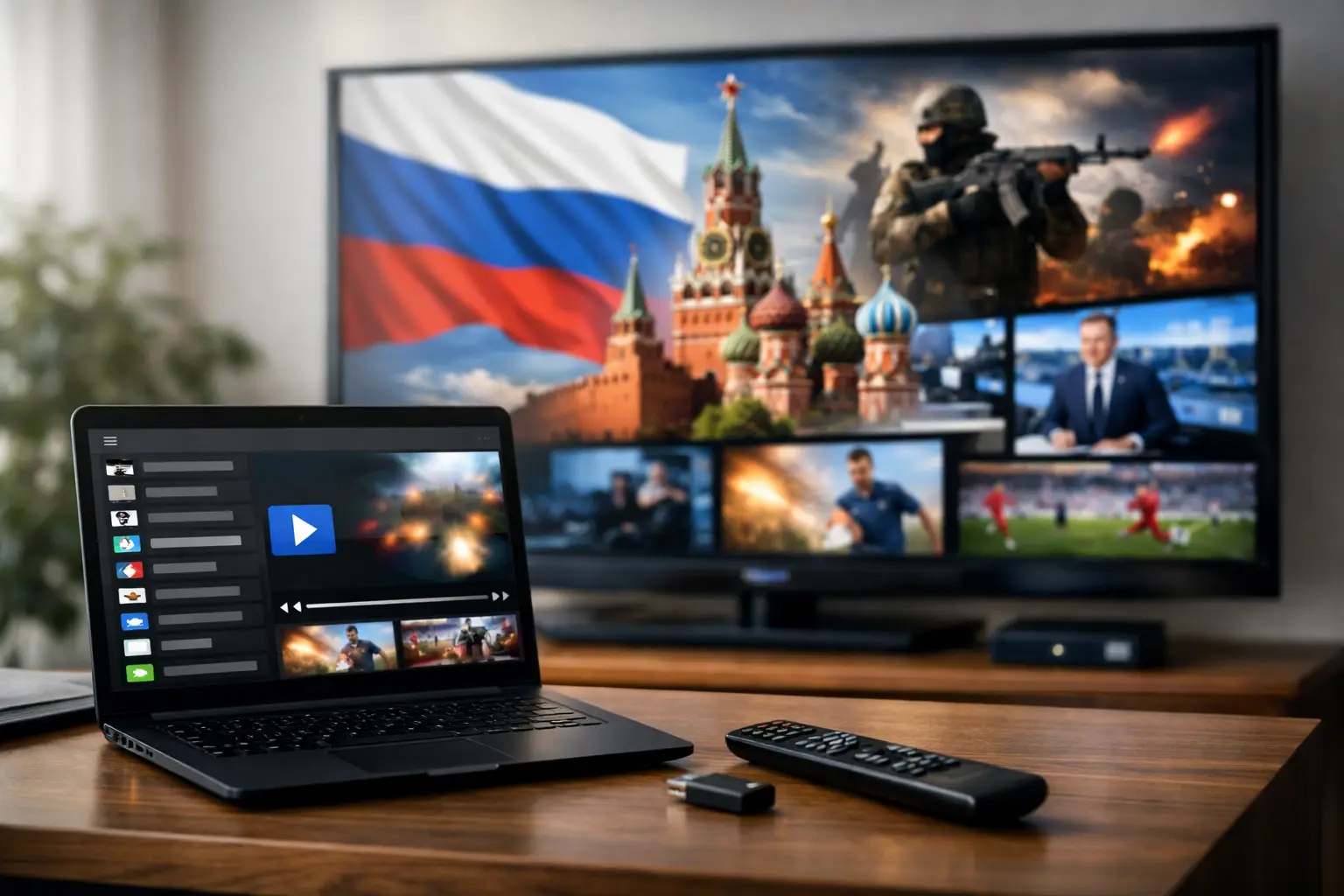
A familiar Russian-language channel can make a living room feel closer to home, whether you are following the news, putting on cartoons for the kids, or catching a favorite series after work. An M3U playlist for Russian channels gives you a practical way to bring live television and on-demand entertainment to the devices you already use – without needing a separate cable package for every screen.
The playlist itself is only part of the experience. The real difference comes from choosing a dependable subscription service with a broad channel lineup, replay options, clear setup instructions, and support when a device needs attention. For Russian-speaking households in the United States, that means looking beyond a random playlist link and choosing a viewing option built for everyday use.
What an M3U Playlist for Russian Channels Does
An M3U playlist is a small text-based file or secure playlist address that tells a compatible player where to find TV streams. After you add it to an app, Smart TV player, TV box, computer program, or mobile app, the channels appear in an organized viewing list. You choose a channel, press play, and watch through your internet connection.
You may also see the term M3U8. In most cases, it refers to a common streaming format used by the same types of IPTV players. What matters most for a subscriber is compatibility: your service should provide the correct playlist details and your chosen device should support the format.
A quality M3U playlist Russian channels subscription can include much more than live news or general entertainment. Depending on the plan and service, it may offer Russian, Ukrainian, and regional channels, movies, series, documentaries, sports, music, children’s programs, and recorded broadcasts. That variety is especially useful in a family where each person watches something different.
Why a Subscription Playlist Is Better Than a Random List
Free playlists found on forums, messaging apps, or file-sharing pages may look tempting. The problem is that they often disappear without warning, contain broken streams, have no account support, or may not be authorized for viewing. A long list of channels has little value if it stops working during a live event or cannot be used safely on the device your family relies on.
A subscription-based option is designed for consistent access. You receive your own account information, a playlist intended for supported players, and a clear path for help if the app needs to be reconfigured. You also avoid wasting time testing unknown links that may be outdated before you finish adding them.
Reliability depends on several factors. The provider’s streaming infrastructure matters, but so do your internet connection, home Wi-Fi coverage, device performance, and the player you use. A paid service cannot fix weak Wi-Fi in a distant bedroom, but it can give you a stable starting point, clear compatibility guidance, and a large selection of content worth watching.
What to Look for Before You Buy
The best choice depends on how and where you watch. A person who watches news on a phone during a commute has different needs than a household using several TVs, tablets, and a set-top box. Before choosing a playlist plan, check the channel range, device support, and viewing features rather than focusing on channel count alone.
A large catalog matters because it gives the household options beyond the most popular stations. Look for general entertainment, news, cinema, children’s content, documentaries, concerts, and sports. Picture quality matters too. HD and Full HD are a good fit for most screens, while 4K content can be appealing on compatible televisions with a strong internet connection.
Replay and archive features are another practical advantage. Live TV schedules do not always match life in the U.S. If a program airs while you are at work or while the family is busy, an archive can let you watch later instead of missing it. A film library adds even more flexibility for evenings when no one wants to wait for a scheduled broadcast.
Also confirm that the service works on the devices you own. Many viewers prefer a Smart TV or TV box in the living room, while others want the same account available on a phone, tablet, laptop, or desktop computer. Common third-party players may include VLC, OTT Navigator, and Televizo, but a service’s own app or supported-device instructions can be the simplest option for less technical users.
Set Up Your Playlist Without the Guesswork
Setup usually takes only a few minutes when you have a compatible player and the correct subscription details. The exact screen names differ by app, but the process is similar across most devices.
First, install a supported IPTV player or use the app recommended by your provider. On a Smart TV or TV box, search the device’s app store. On a phone or tablet, use the official app store for your operating system. Computers can use a compatible desktop player.
Next, sign in to your subscription account if the provider uses its own app. If you are using a third-party player, select the option to add a playlist, provider, or M3U URL. Enter the playlist address or credentials exactly as supplied. Do not change characters, remove symbols, or share those details publicly, since they are connected to your account.
Once the playlist loads, give the app a moment to organize the channels, groups, guide information, and available archives. Start with one channel to confirm playback. If everything works, take a minute to mark favorites. Adding news, movie, children’s, and sports channels to a favorites section makes daily viewing much faster.
If the playlist does not load, do not repeatedly enter different details at random. Check that your internet is working, confirm the subscription is active, and make sure there are no extra spaces in the address or login fields. Restarting the app or device can resolve a temporary issue. If the problem continues, contact the service’s support team with the device model and player name so they can give relevant instructions.
Get Better Picture Quality at Home
Streaming quality is not determined by the playlist alone. A stable home connection is essential, particularly for HD, Full HD, or 4K programming. If the picture pauses or buffers, test another channel first. If multiple channels have the same problem, the issue may be related to Wi-Fi strength or internet traffic rather than the channel itself.
For the main television, an Ethernet cable connection to a TV box or Smart TV is often the most stable choice. If a wired connection is not practical, place the Wi-Fi router where the signal can reach the television clearly and avoid placing it inside a closed cabinet. Busy evenings can also affect performance when several people are gaming, downloading, or streaming in the same home.
Device maintenance helps as well. Keep the IPTV app updated, restart a TV box occasionally, and close unused apps on phones and tablets. Older devices may still play standard channels well but struggle with higher-resolution streams. In that case, a lower quality setting can provide smoother viewing than forcing the highest available resolution.
One Account, More Ways to Watch
The convenience of an M3U playlist is that it is not tied to one television. You can watch a morning program on a kitchen tablet, continue a series on a computer, and use the living room television for family movie night. This flexibility is valuable for households with different schedules and different language preferences.
Russia Plus TV is built around that everyday convenience, with a broad Russian-language channel selection, film and series access, archive viewing, and support for popular screens and compatible players. Instead of managing separate sources for live TV, cartoons, films, and regional programming, subscribers can keep more of their entertainment in one place.
Before sharing access within a household, check the plan’s current device and simultaneous-stream rules. Some subscriptions allow multiple registered devices but limit how many can play at the same moment. Knowing that detail ahead of time prevents interruptions when one person starts a channel while another is already watching.
Keep Your Viewing Simple and Secure
Treat playlist credentials like a password. Avoid posting them in public groups, sending them to strangers, or installing unknown modified apps that ask for account details. Use official app stores where possible and keep your account email and password current.
It is also worth choosing content access that respects the provider’s terms and the rights attached to programming. Legitimate subscription services offer a clearer, more dependable experience than unstable lists from unknown sources. You get a real account, predictable service, and someone to contact when you need help.
A good playlist should fade into the background once it is set up. Put your favorite channels where you can find them, use replay when the schedule does not fit your day, and choose a device that makes television easy for everyone in the home. That is when Russian-language TV becomes less of a technical project and more of a familiar part of daily life.












