

A television can look perfect on the showroom wall and still be frustrating at home when the app you need is unavailable, slow, or difficult to update. That is the real question behind smart tv versus tv box for Russian-speaking families: which device gives you an easier, more reliable way to watch the channels, archives, movies, and shows you enjoy?
For many households, the answer starts with the equipment already in the living room. A Smart TV may be all you need. In other cases, a separate TV box is the better long-term choice because it gives you more app options, stronger performance, and an easier way to keep your viewing setup current without replacing the television.
Smart TV Versus TV Box: The Main Difference
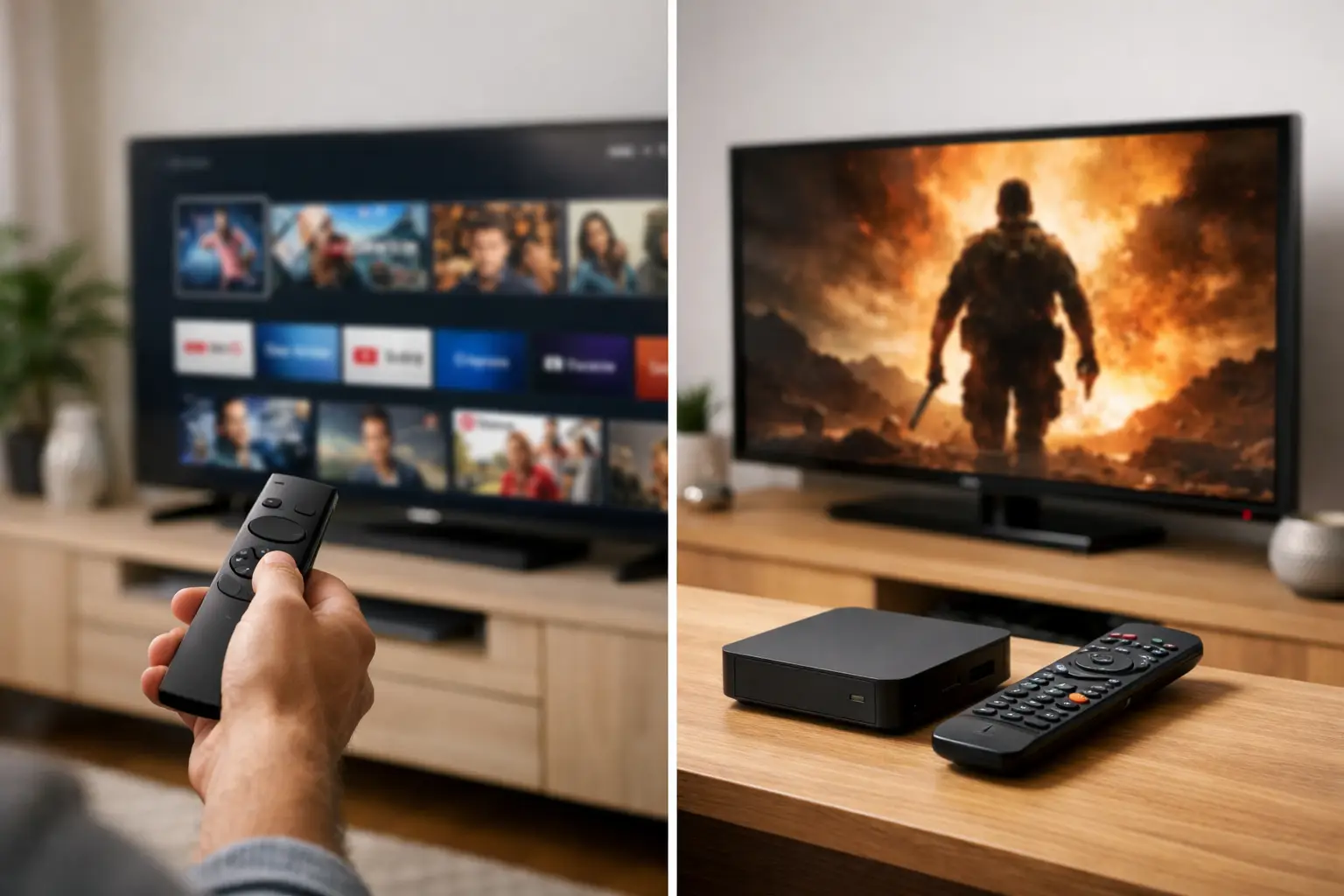
A Smart TV has streaming software built directly into the television. Once it is connected to the internet, you can install supported apps, sign in, and start watching without adding another device or cable. This is a simple option for a clean living room setup, especially if your TV already supports the IPTV player you prefer.
A TV box, also called a set-top box or Android TV box, is a small device that connects to your television through HDMI. It has its own operating system, storage, remote, and app store. Your TV becomes the screen, while the box handles the apps and streaming.
The difference matters because TV hardware often lasts longer than built-in Smart TV software. A television may still have an excellent picture after several years, but its app store can become limited or stop receiving updates. With a TV box, you can replace or upgrade the streaming device while keeping the same TV.
Neither choice is automatically better. A newer Smart TV with good app support can be convenient and cost-effective. A TV box is usually the more flexible choice for viewers who want more control over their IPTV apps, settings, and future upgrades.
When a Smart TV Is the Right Choice
A Smart TV works well when you want the fewest steps between turning on the screen and watching a program. You use one remote, avoid an extra HDMI connection, and keep the entertainment area uncluttered. For a bedroom TV, kitchen TV, or a household that prefers simple controls, that convenience can make a real difference.
Many current Smart TVs support popular IPTV applications directly. Once an appropriate player is installed, you can enter the playlist or account details provided with your subscription and organize channels into favorites. This makes it easy to move from live news to a children’s channel, a movie, or a program archive without switching devices.
Smart TVs are particularly practical if you already own a recent model from a platform with active app support. They can display HD, Full HD, and, where your internet connection and TV support it, 4K programming. The key is to verify app availability before choosing a subscription or buying a new television. Not every TV brand uses the same operating system, and an app available on one platform may not be available on another.
There are trade-offs. Built-in TV processors are often designed for basic streaming rather than frequent app switching or advanced customization. As the television ages, menus can feel slower. Some models also offer fewer choices for third-party players, which may matter if you have a preferred m3u8-compatible app.
When a TV Box Makes More Sense
A TV box is a strong option when flexibility matters more than having one less device. It can turn almost any television with an HDMI port into a capable streaming screen, including an older non-smart TV. This is useful for families who have more than one television and do not want to replace each screen just to gain access to modern apps.
Because the box runs its own platform, it can offer a wider selection of IPTV players and more frequent software updates than many television operating systems. Viewers who use apps such as VLC, OTT Navigator, or Televizo may find a TV box easier to configure. A good box also makes it simpler to change players later if your needs change.
Performance is another reason to consider one. A quality TV box can provide quicker navigation through large channel lists, smoother transitions between live channels and archives, and more storage for apps. That is helpful for a service with thousands of channels and a substantial on-demand library. You do not want to spend your evening waiting for an outdated TV menu to respond.
A box can also be easier to troubleshoot. If an app has a problem, you can restart the device, clear the app cache, update the operating system, or reinstall the player without affecting the television’s picture settings. And if the device eventually becomes outdated, replacing it is usually less expensive than purchasing a new TV.
The trade-off is added equipment. You will need an available HDMI port, a power outlet, and a second remote unless you set up universal controls. Initial setup takes a little longer as well. For most users, it is still straightforward: connect the box, join your home Wi-Fi or Ethernet network, install the preferred player, and add the subscription details.
Picture Quality Depends on More Than the Device
It is easy to assume that a TV box always produces a better picture, but that is not necessarily true. Image quality depends on the channel stream, your internet speed, the app, the TV panel, and the settings used by the device. A 4K TV box cannot turn a standard-definition channel into true 4K, and an older TV cannot display detail beyond its own resolution.
For stable live television, a consistent internet connection is more valuable than a high advertised speed that varies throughout the day. Wi-Fi can work very well when the router is nearby and the signal is strong. If the television is far from the router, an Ethernet connection to a TV box may provide a steadier result, especially for high-resolution channels or busy evening viewing.
Before blaming the service or device for buffering, check whether other household devices are downloading files, gaming online, or using video calls. Restarting the router and streaming device can often resolve temporary issues. If one app is slow while other streams work normally, the player settings may be the cause.
Choose Based on How Your Family Watches
A Smart TV is usually the better fit for a household that wants a simple, all-in-one experience and already has a modern TV with the needed app. It is convenient for casual daily viewing, guests, and family members who prefer a familiar remote and uncomplicated menus.
A TV box is often the better choice if your TV is older, your preferred IPTV player is not available on the TV’s app store, or you want more control over apps and updates. It is also practical for people who enjoy a large channel selection, use replay features often, or want to keep the same television for years while upgrading only the streaming hardware.
Think about who will use the device most. Grandparents may appreciate a Smart TV setup with a short favorites list and a single remote. A household that watches sports, news, children’s programming, films, and archived shows across several rooms may value the adaptability of TV boxes and mobile devices. There is no need for every screen in the home to use the same method.
A Practical Setup for Russian-Language IPTV
The best device is the one that supports your preferred player reliably and is comfortable for your family to use every day. Russia Plus TV can be watched on compatible Smart TVs, TV boxes, phones, tablets, and computers, allowing each household member to choose the screen that makes sense at the moment.
For the main living-room television, start by checking the TV’s app store. If it has a compatible player and runs it well, use the built-in platform. If the app selection is limited, the interface is slow, or you want more freedom to choose a player, connect a TV box instead. Keep the television’s software and your IPTV player updated, and create favorite channel groups so familiar Russian-language content is always easy to find.
A good viewing setup should fade into the background. Choose the device that lets your family spend less time adjusting settings and more time watching the live channels, archived programs, and familiar entertainment that make home feel closer.












