
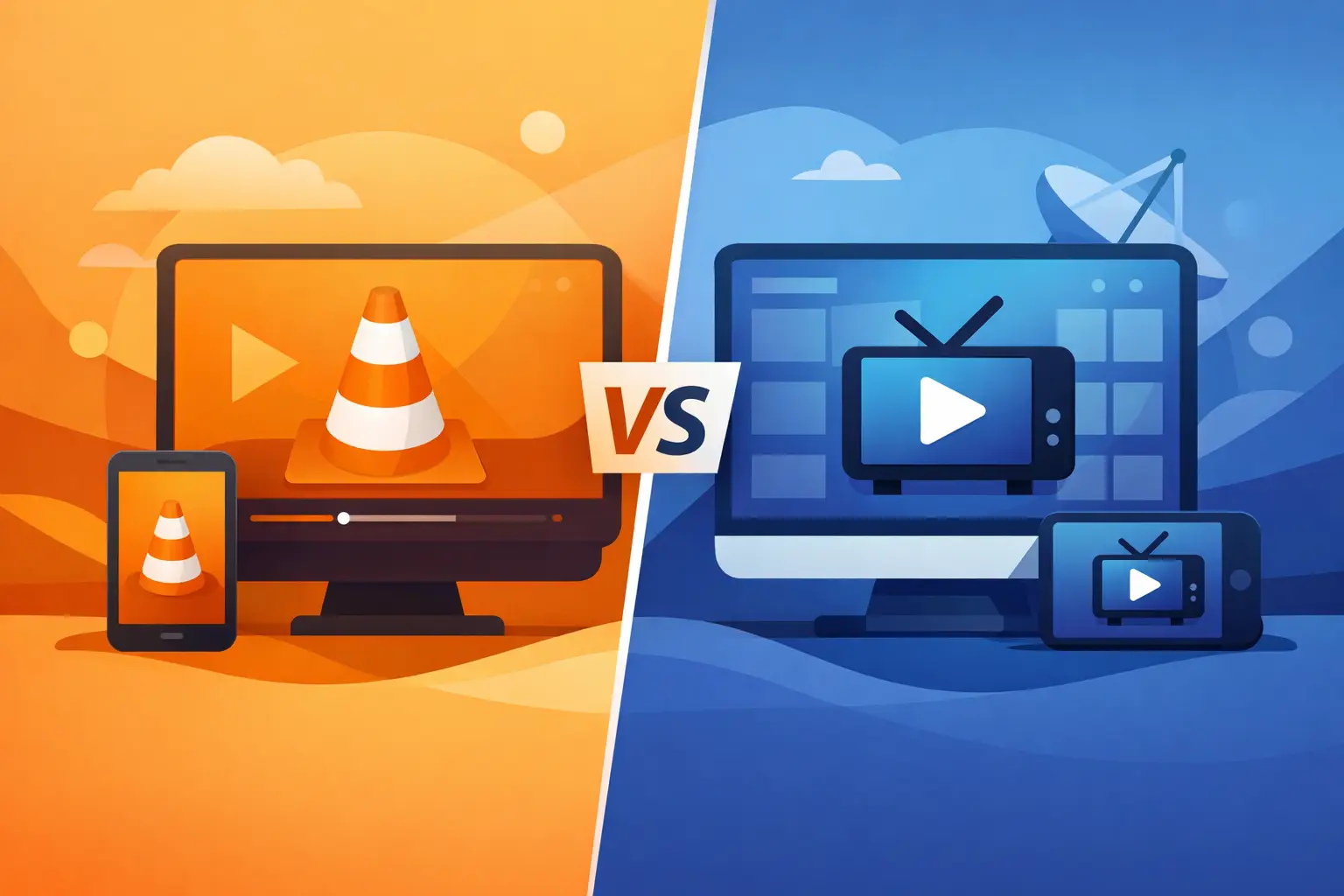
If you are deciding between VLC vs Televizo player, the real question is not which app is more famous. It is which one makes everyday IPTV viewing easier on the devices you already use. For families watching Russian-language channels abroad, that difference matters fast – especially when you want live TV, archives, and stable playback without extra setup.
Both players can open IPTV streams, but they are built for different kinds of viewing. VLC is a general media player that also supports network streams and playlists. Televizo is designed specifically for IPTV use, so its layout, navigation, and channel handling feel closer to a TV app from the start. If your goal is simple access to a large channel package with the least friction, that difference usually decides the winner.
VLC vs Televizo player: the core difference
VLC has been around for years and is trusted because it plays almost anything. On a computer, phone, or tablet, it is often already installed. That makes it appealing for users who want a familiar app and do not need many IPTV-specific features. You can open an M3U playlist, enter a stream URL, and start watching without paying for another app.
Televizo takes a narrower approach. It is not trying to be a universal media player. It is built to organize IPTV channels, categories, electronic program guide data, and playlists in a way that feels natural on Android phones, Android TV devices, and TV boxes. If you are watching live television every day instead of occasionally testing a stream, Televizo usually feels more convenient.
That does not mean VLC is the wrong choice. It means the better option depends on whether you want flexibility or a more TV-focused experience.
Setup and first use
VLC wins on familiarity. Many users already know how to install it, and on desktop it is especially straightforward. If you receive a playlist URL from your IPTV provider, you can open the network stream or load the playlist file and begin. For quick testing, VLC is hard to beat.
The trade-off appears after setup. VLC does not guide you through IPTV in a very friendly way. Channel grouping, navigation, and EPG handling can feel basic or awkward, especially for users who expect a cable-like browsing experience. It works, but it often feels like you are adapting a general-purpose tool for a TV job.
Televizo usually takes a few minutes more to set up because you are entering playlist details into an IPTV-focused app. After that, it tends to feel easier for daily use. Channels are organized more clearly, categories are easier to browse, and the app is built around television rather than local media files.
For many households, that first impression matters. If one person sets it up but the whole family uses it, the cleaner interface can save a lot of questions later.
Which player is easier for non-technical users?
For non-technical users, Televizo is usually easier once it is configured. VLC is simple if all you want is to open a stream, but less intuitive when you need to browse hundreds or thousands of channels. In a home where different family members switch between news, movies, kids’ content, and sports, Televizo generally feels more natural.
That is especially true when you are working with a large IPTV package. A playlist with a few channels is manageable in almost any player. A playlist with extensive categories and constant daily use is where an IPTV-specific app starts to justify itself.
Live TV experience and navigation
This is where the gap becomes more obvious. VLC can play live streams well, but the experience is closer to playing media than browsing television. You may find yourself manually selecting channels more often, and the interface can feel plain on TV screens.
Televizo is built for channel surfing. Categories, favorite lists, and TV-style navigation make it easier to move through content quickly. If you follow live Russian channels throughout the day, from morning news to evening entertainment, Televizo is usually more comfortable.
An IPTV service with broad family content benefits from that structure. When viewers want cartoons, films, regional channels, and replay-enabled programming in one place, the player matters almost as much as the stream itself. This is one reason many subscribers using services like Russia Plus TV prefer Televizo on Android TV and set-top boxes.
EPG and channel organization
Electronic program guide support is one of the biggest practical differences. VLC may display playlist items, but it is not known for strong IPTV guide presentation. If you rely on program schedules to see what is on now and what comes next, VLC can feel limited.
Televizo handles guide-based viewing much better. You are more likely to get a layout that helps you browse by program, channel, and category instead of relying only on a raw list. That becomes useful quickly when your service includes a large number of channels and archived content.
If your main habit is simply clicking one or two favorite channels, VLC may still be enough. If you browse often, Televizo usually saves time.
Device compatibility and where each one fits best
VLC has a major advantage in platform range. It is available on Windows, Mac, Linux, Android, and iOS. If you want one familiar player across multiple device types, VLC is attractive. It is especially useful on laptops and desktop computers where IPTV is only one part of how you consume media.
Televizo is strongest in the Android ecosystem. On Android phones, Android TV devices, and many TV boxes, it feels more at home than VLC for IPTV use. If your household watches through a streaming box connected to the television, Televizo often gives the better lean-back experience.
So the better player can depend on your screen. On a desktop, VLC is often perfectly practical. On a TV box in the living room, Televizo usually feels better designed for the job.
Performance, stability, and playback quality
A lot of users assume one player always has better quality than the other. In reality, playback quality depends heavily on the stream source, internet stability, device power, and app settings. If the IPTV stream is good, both players can deliver strong HD or higher-quality playback.
VLC has a strong reputation for codec support and handling many file types. That makes it dependable as a general media app. It can also help when a stream or format behaves unpredictably.
Televizo is not trying to beat VLC as a universal decoder. Its value is in the viewing experience around the stream. On a compatible Android device, it can feel smoother for day-to-day IPTV simply because the interface is built for that purpose.
If you ever experience buffering, the answer is not always to switch players. Sometimes the real issue is Wi-Fi strength, device limitations, or playlist configuration. A better player can improve usability, but it cannot fully fix a weak connection.
Cost and value
VLC is free, and that is a real advantage. If budget is your only concern, or if you only watch occasionally, VLC gives you a no-cost way to access IPTV streams.
Televizo may include free and premium options depending on the version and features you want. For many users, that small added cost is worth it because the app saves time and feels easier to use every day. When your subscription already gives you access to a large content package, paying a little more for a better player can make the entire service feel more organized.
Still, it depends on your habits. If you watch from a laptop a few times a week, VLC may be all you need. If your TV is on every day and different family members use the service, Televizo often delivers better value.
So which should you choose?
Choose VLC if you want a free, familiar player that works across many device types and you do not need advanced IPTV navigation. It is a solid choice for desktop users, occasional viewing, and quick playlist testing.
Choose Televizo if you want a more polished IPTV experience on Android or Android TV, especially for regular live TV use, large channel lists, favorites, and guide-based browsing. It is usually the better fit for living room viewing and family use.
There is no rule that says you must pick only one forever. Some users keep VLC on a computer and use Televizo on the TV box. That can be the most practical setup if your household watches on different screens.
The best player is the one that gets you to your channels faster, keeps viewing simple, and makes everyday TV feel convenient instead of technical. If your goal is reliable access to familiar Russian-language entertainment at home, choose the app that feels easiest after the first day, not just the one that was fastest to install.